If your site feels like it’s talking at visitors instead of with them, an interactive calculator can change that. When visitors enter their own numbers and receive instant, personalized results, you deliver immediate value, increase time on page, and capture higher-quality leads.
November 9, 2025 (11mo ago) — last updated April 20, 2026 (6mo ago)
Interaktiver Rechner für Ihre Website
So implementieren Sie interaktive Rechner, steigern Engagement, generieren qualifizierte Leads und liefern echten Mehrwert für Ihre Website-Besucher.
← Back to blog
How to Use an Interactive Calculator for Your Website
Learn how to implement an interactive calculator for your website with practical steps to boost engagement, capture leads, and provide real value.
Introduction
If your site feels like it’s talking at visitors instead of with them, an interactive calculator can change that. When visitors enter their own numbers and get instant, personalized results, you deliver immediate value, increase time on page, and capture higher-quality leads.
Why Your Website Needs an Interactive Calculator

Think of a calculator as a conversation starter. Instead of only listing services, you show potential customers the direct impact you can have on their bottom line or their life. That shift from telling to showing builds trust quickly.
For example, a marketing agency could embed a tool like the Facebook Ads Cost Estimator so prospective clients enter campaign goals and immediately see projected ad spend and estimated returns. That instant value moves a visitor from curious to qualified without a pushy sales pitch.
The Power of Instant Value
Modern web users expect fast answers. An interactive calculator delivers custom results on the spot, which is key to grabbing attention and keeping visitors engaged. Interactive content has been shown to generate significantly higher engagement than passive content1.
Static Content vs Interactive Calculators
| Feature | Static Content (e.g., blog post) | Interactive Calculator |
|---|---|---|
| User engagement | Passive reading | Active participation |
| Personalization | General, one-size-fits-all | Highly personalized results |
| Value provided | Information | Instant, actionable solution |
| Lead quality | Broad, often unqualified | Pre-qualified and high-intent |
By offering a tool that solves a small but real problem, you establish authority and make a strong first impression. Visitors stay longer and are more likely to explore other pages on your site.
Driving Qualified Leads
Calculators are excellent lead-generation tools. A SaaS company could embed a Business Valuation Estimator in a post about growth; after users get a quick valuation, a prompt like “Email me the detailed report” feels helpful, not intrusive. That interaction filters for users who are serious about next steps.
Tools such as the Mortgage Calculator or the Logistics Shipping Cost Predictor engage users already in the decision-making process, turning casual interest into qualified leads.
Choosing the Right Calculator for Your Business
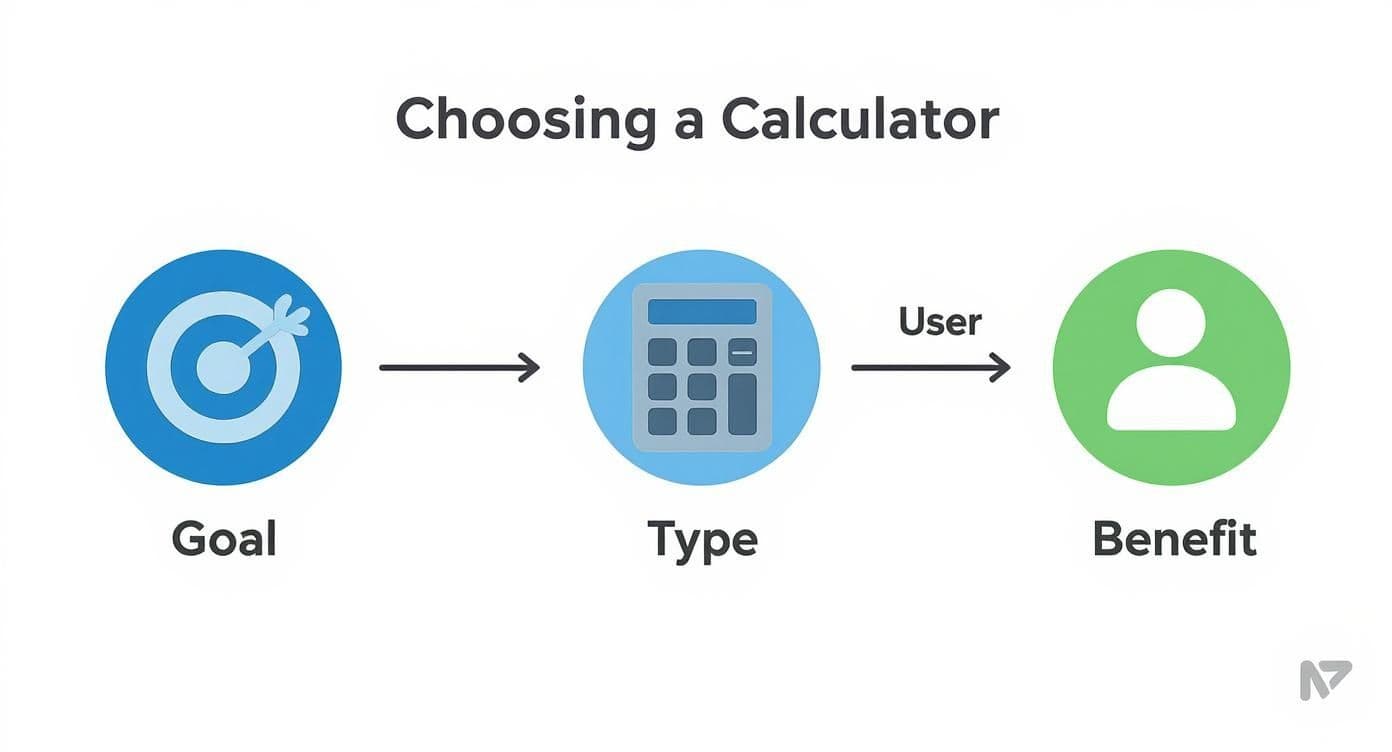
Pick a calculator that supports your business goals and answers a real question your audience already cares about.
Match the tool to your goal
If your goal is more qualified leads, a cost-savings calculator or a pricing estimator converts vague promises into concrete numbers. If you’re educating an audience and demonstrating expertise, an ROI calculator or a valuation tool is a better fit.
A financial advisor might add a valuation or growth tool on their services page so visitors can see potential portfolio outcomes. A real estate agent can add a Mortgage Calculator to listings so buyers get immediate monthly-payment estimates—right when interest is highest.
The most effective calculators answer a pressing question your ideal customer already has and provide an immediate, useful answer.
How to Build Your First Interactive Calculator
Building a calculator no longer has to be a developer-only project. With no-code platforms you can plan and launch a useful tool yourself.
We’ll use a simple example: a Freelancer Rate Calculator. It answers one painful question freelancers often face: what should I charge?
What do you need to ask?
Keep inputs focused and relevant. For a freelancer rate tool, ask for three things:
- Desired annual income — the income goal for the year.
- Monthly business expenses — software, insurance, subscriptions.
- Billable hours per week — realistic client-facing hours after admin time.
Better inputs equal better results. Guide users with sensible defaults and short help text where needed.
Putting the formula together
The calculation itself can be simple. For an hourly rate:
Hourly Rate = (Desired Annual Income + (Monthly Expenses × 12)) / (Billable Hours Per Week × 52)
This converts annual financial needs into an actionable hourly rate. When using a no-code tool, you’re simply wiring inputs to that formula and formatting the output so it’s easy to understand.
Start with the user’s goal in mind to ensure your calculator feels genuinely helpful, not gimmicky.
Designing Your Calculator to Convert Visitors
An interactive calculator must be both functional and enjoyable to use. Real-time visuals such as dynamic charts or sliders create a feedback loop that keeps users engaged. Many businesses report a 30–50% increase in qualified leads after adding real-time visualizations to interactive tools2.
Make the experience intuitive and visually engaging
A great example is a retirement or savings tool where a user drags a slider for monthly contributions and watches a graph update in real time. That visual confirmation helps users grasp the impact of small changes and motivates action.
Don’t forget the fundamentals:
- Clear labeling — use plain language for each input.
- Mobile-first design — the calculator must work seamlessly on phones.
- Logical flow — guide users step by step with minimal friction.
The moment a user sees a personalized result is the peak of interest. Place a clear, relevant call to action right there, such as “Download your full report” or “Schedule a free consultation.” If you want to deepen conversion optimization, study landing-page best practices and place the calculator where it supports that page’s goal.
How to Embed and Promote Your New Calculator
Embedding is usually simple: copy the snippet your tool provides and paste it into your CMS. Place the calculator on a dedicated landing page, within a relevant blog post, or in a sidebar for ongoing visibility.
Promotion matters. Treat the calculator like a major content asset:
- Share focused social posts that highlight a specific problem the calculator solves, for example, “Estimate your ad spend in 60 seconds,” with a link to the tool.
- Feature it in your email newsletter to a warm audience who already trusts you.
- Run small, targeted ads sending high-intent traffic directly to the calculator landing page.
Make your calculator an unmissable resource—whether it’s a Business Valuation Estimator or a Residential Solar Cost & Payback Calculator—and promote it accordingly.
Common Questions and Answers
Q: Do I need to know how to code to build a calculator?
A: No. Modern no-code platforms let you build powerful calculators with drag-and-drop editors. If you can use a spreadsheet, you can usually build a useful tool.
Q: Where should I place the calculator on my site?
A: If lead capture is the goal, use a dedicated landing page. If the goal is to add value to a post, embed the calculator directly in a relevant article. Place it where your ideal customer already is.
Q: Can the calculator match my brand’s look and feel?
A: Yes. Customize colors, fonts, and button styles so the calculator feels like part of your site. Consistent design builds trust and reduces friction for users.
Quick Q&A — Three concise takeaways
What problem does an interactive calculator solve?
It turns abstract claims into personalized, actionable answers so visitors understand value quickly.
How fast can I get a basic calculator live?
With a no-code tool and a clear formula, plan on a few hours to a couple of days, depending on visuals and testing.
What should I measure after launch?
Track tool usage, time on page, conversions (email captures or demo requests), and changes in lead quality over time.
1.
Demand Metric, “Interactive Content: The New Frontier,” found interactive content can generate roughly twice the engagement of passive content. https://www.demandmetric.com
2.
HubSpot and several industry case studies report that adding real-time visualizations or interactive elements to tools can increase qualified leads by about 30–50% in specific cases. See examples and analysis at https://blog.hubspot.com/marketing/interactive-content-examples
Bereit, Ihre Eigenen Tools kostenlos zu erstellen?
Schließen Sie sich Hunderten von Unternehmen an, die bereits benutzerdefinierte Schätztools verwenden, um Gewinne zu steigern und mehr Kunden zu gewinnen
✨ Keine Programmierung erforderlich • 🚀 In Minuten bereit • 💸 Kostenlos zu erstellen