Traffic without engagement is wasted. Getting visitors is only step one — keeping them and turning them into leads requires instant value, clear content, and friction-free interaction. This article walks through a practical audit process, shows which interactive tools deliver immediate utility, and explains how to measure results so you can improve over time.
February 3, 2026 (8mo ago) — last updated June 25, 2026 (3mo ago)
Increase Website Engagement: Proven Tactics
Proven strategies to boost website engagement with interactive tools, UX fixes, and optimized content that turns visitors into leads.
← Back to blog
Increase Website Engagement: Proven Tactics
Discover proven strategies to increase website engagement with interactive tools, UX tweaks, and optimized content that captivates your audience.
Introduction
Traffic without engagement is wasted. Getting visitors is only step one — keeping them and turning them into leads requires instant value, clear content, and friction-free interaction. This article walks through a practical audit process, shows which interactive tools deliver immediate utility, and explains how to measure results so you can improve over time.
Ever had that sinking feeling watching your website analytics? You get the traffic, but visitors show up, take a quick look, and then they’re gone. Boosting website engagement is about more than chasing vanity metrics. It’s about turning fleeting visits into meaningful interactions by giving people instant value and an experience that makes them want to stick around.
The High Cost of a Disengaged Audience
Low website engagement isn’t just a number on a dashboard; it quietly kills growth. It hurts your bottom line and sends negative signals to search engines. When people land on your site and leave right away, they’re telling Google your content missed the mark. Over time, those signals can damage rankings and stunt traffic growth.
The goal isn’t just more clicks. It’s to create a destination — a place where people find real answers and solutions. That means moving beyond static, brochure-like pages and building an experience that grabs attention in the first few seconds.

Why Most Visitors Don't Stick Around
Here’s the hard truth: most websites have a very short window to make an impression. Many visitors scan pages and move on if they don’t find value quickly.2 If a user can’t find what they need or interact with something useful right away, they have no incentive to stay.
Low engagement is a symptom. The real problem is failing to give users something tangible and valuable the moment they arrive.
Interactive tools change the dynamic. Instead of just telling a potential client about your value, you let them experience it.
Imagine a marketing agency embedding an interactive ad-cost estimator. A prospect can plug in their numbers and see potential ROI, turning a passive browser into an engaged, qualified lead who understands the value you offer.
Or think of a company adding a pricing estimator so users can build a custom plan and answer the key question, “What will this cost me?” right on the page — no sales call required. A complex tool like a business valuation calculator also provides upfront value, establishes trust, and positions the site as an authoritative resource. For that example, try the Business Valuation Estimator.
We also know that pages with video tend to keep visitors longer than pages without video, which helps engagement and conversions.3
Conducting Your Website Engagement Audit

Before you add features or overhaul your design, figure out what’s actually broken. Trying to boost engagement without data is just throwing things at the wall. Think of this audit as your detective phase—look for the clues that explain why people aren’t sticking around.
Focus on the exact pages, user pathways, and on-page elements that cause friction. This isn’t about blaming old design choices; it’s about gathering objective evidence so you can make targeted improvements.
Finding the Leaks with Core Metrics
Start in Google Analytics 4 (GA4). Don’t let the data volume intimidate you — you only need a few key metrics to tell a powerful story about user behavior.
Look for pages with high traffic but high exit rates or very low engagement time. For example, if your “Services” page gets thousands of hits but average engagement time is very low, that’s a red flag.
Vital signs to check:
- Engagement rate: percentage of visits where someone stayed more than 10 seconds, triggered a conversion, or viewed multiple pages.
- Average engagement time: how long your page was the active tab in someone’s browser.
- User stickiness (DAU/MAU): daily active users divided by monthly active users — this shows whether people have a reason to return.
For a technical audit checklist, consult a website-audit guide such as /website-audit-guide.
Visualizing User Frustration
Numbers tell you what is happening, but not always why. Tools that show session recordings and heatmaps let you see the site through visitors’ eyes. Free platforms like Microsoft Clarity provide session recordings and heatmaps that expose user frustration.
Watching session recordings is like looking over a user’s shoulder. You might see rage-clicks on non-clickable images or frantic scrolling because contact info is hard to find. Heatmaps and scroll maps show where people click, what they ignore, and how far down they scroll before leaving.
If a heatmap shows 90% of users never see below the fold on a pricing page, your CTA or key package details are in the wrong place. Move critical information up or embed an interactive tool — such as the Logistics Shipping Cost Predictor — where users are most likely to engage.
Diagnosing Content and Intent Mismatch
A silent killer of engagement is a mismatch between user intent and page content. If someone searches for “Beginner’s Guide to SEO” and lands on a dense technical article, they’ll hit back in seconds.
Dig into the search queries driving traffic to your landing pages. Do your headline and first paragraphs answer the user’s question? If not, you’ve found an opportunity.
For example, a logistics company seeing traffic for shipping-cost queries should provide numbers, not marketing copy. Embedding a cost predictor like the Logistics Shipping Cost Predictor gives the user immediate value and reduces bounce.
Put Interactive Tools to Work and Deliver Instant Value
You’ve finished your audit and pinpointed the engagement black holes. Resist the urge to only tweak copy or change button colors. Move your user from passive to active.
Static pages are a one-way street; they talk at your audience. Interactive tools start a conversation, and that shift is one of the most powerful ways to increase engagement.
Ditch Passive Content, Embrace Active Participation
A typical B2B services page often asks the visitor to do the work — figure out how your service applies to them. Most won’t bother.
Swap that out. Replace a generic “Get a Quote” button with an interactive estimator. For a marketing example, an agency could embed a Facebook Ads Cost Estimator so potential clients can estimate spend and see projected results on the spot.
That single interaction changes everything:
- The visitor becomes an active participant.
- You provide instant, personalized value instead of a pitch.
- The visitor invests time and data, making them far more likely to take the next step.
You earn trust by delivering undeniable utility rather than asking for it.
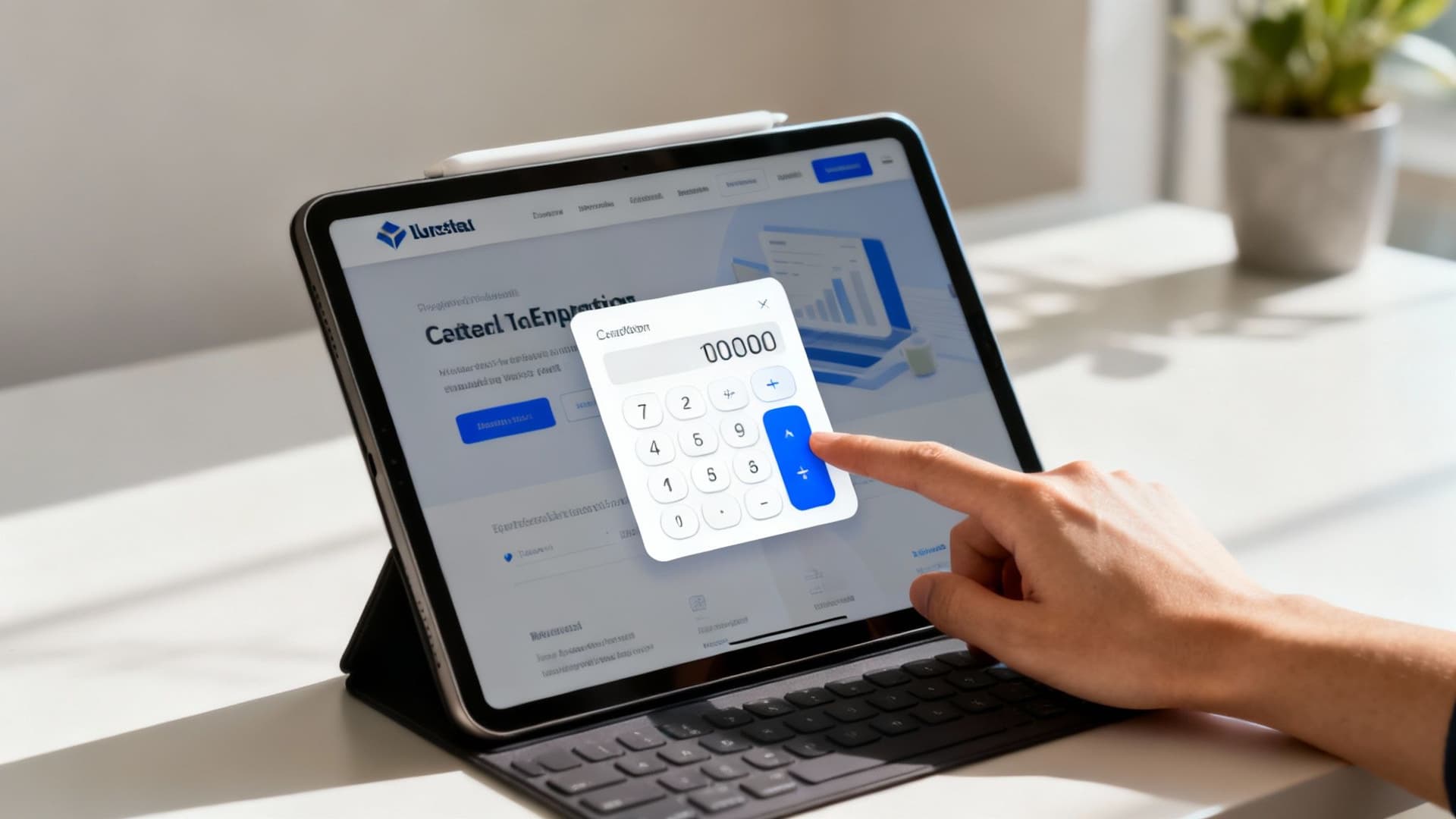
Solve Problems, Generate Qualified Leads
The most effective interactive tools solve a specific, high-intent problem. When a user asks “How much will this cost?” a well-placed tool gives the answer immediately and qualifies the lead.
A SaaS or services company could embed a rates estimator — such as the Consulting Rates Estimator — so visitors can build a custom plan and see pricing transparency without a demo. That reduces friction and speeds the sales cycle.
Answering a user’s pressing question on the spot increases engagement and accelerates the sales funnel: the user gets data, and you get a lead who already understands the value.
If you want more tool ideas, explore relevant estimators and calculators to match your audience’s top questions on your /tools page.
Seamless Integration Is Non-Negotiable
Embedding third-party tools raises valid concerns: will they look clunky, slow the site, or clash with branding? Modern script-based embeddable tools can inherit your site’s styles so they feel native rather than tacked on.
Choose tools that load quickly and play nicely with Core Web Vitals. That way you get engagement upside without hurting performance. For instance, adding a fast, styled calculator can be a matter of minutes and doesn’t always require developer time — especially with platforms that support CSS inheritance.
Fine-Tuning Your Content and User Experience
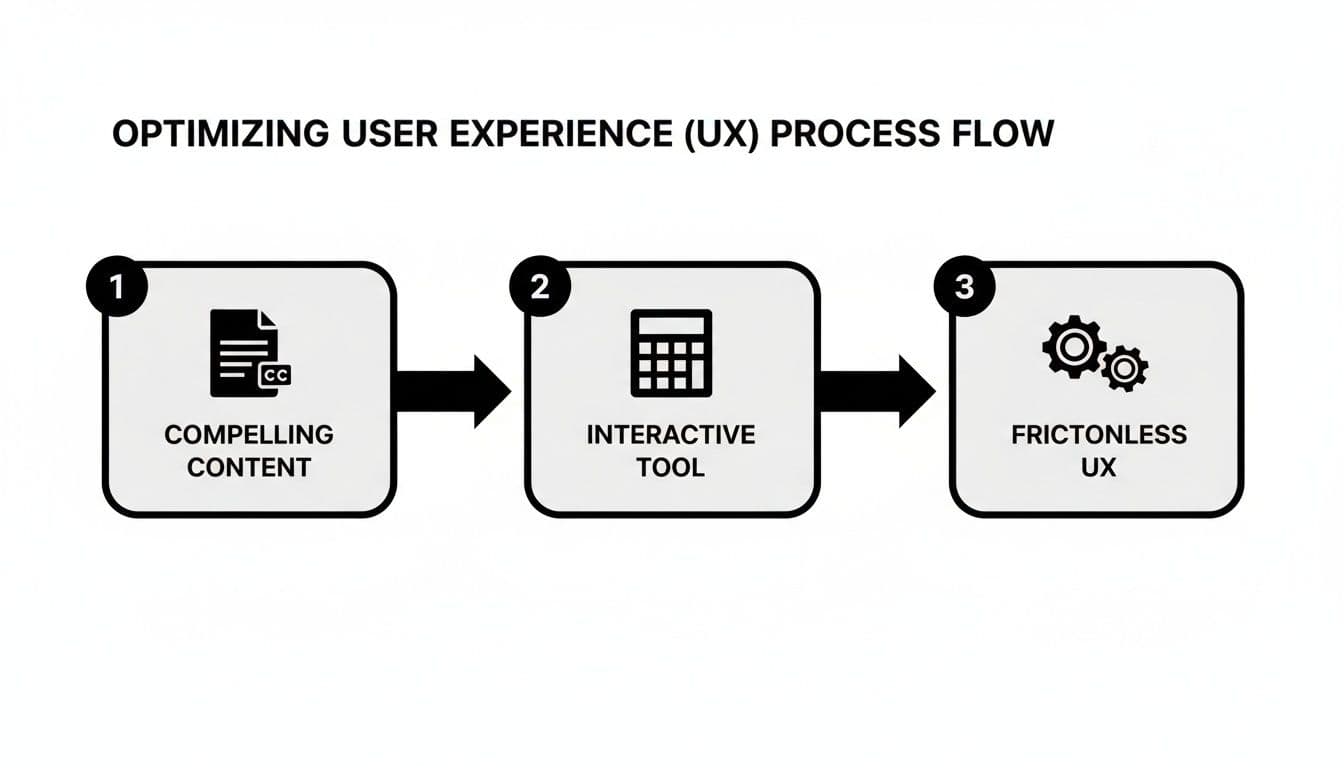
You can’t drop a brilliant interactive tool onto a confusing page and expect miracles. Tools are engines; content and UX are the tires. For engagement to climb, both must work together.
The goal is a supportive ecosystem where information and interaction feed each other. Clear content draws users in; interactive tools keep them there.
Structure Content for People Who Scan
People scan web pages rather than read every word.2 Use the inverted pyramid: lead with the main conclusion or direct answer, then add supporting details.
Give readers an immediate win. If someone reads the headline and first paragraph, they should already understand the page’s value. This is especially effective when paired with an interactive tool: state the problem the tool solves, then embed it for instant gratification.
A user who finds their answer in the first five seconds is far more likely to explore further.
Design a Frictionless User Journey
Great UX is practically invisible. When navigation makes sense and pages load instantly, users can focus on your message.
Key factors that matter most:
- Mobile load time: Over half of web traffic is mobile. If pages take more than three seconds to load on phones, many users will leave — 53% abandon slow mobile pages.1
- Intuitive navigation: Menus and links should be predictable; users must know where they are and how to find what they want.
- Clear visual hierarchy: Use size, color, and whitespace to highlight headlines, subheadings, CTAs, and embedded tools.
Follow best design practices to improve usability and accessibility.
Make Your Content and Tools Work Together
Content and tools should be partners. Blog posts and service pages should guide readers to tools that answer their next question.
A financial advisor writing “How Much Do I Really Need to Retire Comfortably?” can explain the key factors and then embed a calculator to let readers get a personalized estimate. If you don’t have a retirement tool, a relevant financial estimator like the Mortgage Calculator can still deliver interactive value on related pages.
A web design agency could replace a generic “Our Services” page with a focused e-commerce development page and embed a cost estimator like the Square Footage Cost Estimator to help prospects self-qualify.
How to Measure and Iterate Your Engagement Strategy
Improving engagement is a continuous loop: implement, measure, and refine. Guesswork wastes time; data-driven testing reveals what actually moves the needle.
Track every interaction and tie tool usage back to business goals. That way you can say with confidence which changes produced new, qualified leads.
Setting Up Your Measurement Framework
Define what victory looks like and establish a baseline in Google Analytics before you launch new tools.
KPIs to track:
- Average engagement time: are visitors sticking around and interacting?
- Bounce rate: are people leaving immediately?
- Conversion rate: are more visitors taking the actions you want — signing up, requesting a demo, or filling a lead form?
Create a clear before-and-after snapshot so you can quantify impact. Aim to show improvements like “adding this tool increased qualified leads by X%” rather than relying on intuition alone.
The Power of A/B Testing Your Ideas
A/B testing removes guesswork. Show two versions of a page and let visitor behavior decide which performs better.
A classic test is control vs. interactive tool:
- Variation A (Control): original page with a static CTA.
- Variation B (Test): same page with an embedded tool.
Measure which version produces more qualified inquiries and higher interaction rates.
Simple A/B tests to run:
- Headline: test benefit-led vs. generic headlines (metric: time on page).
- CTA vs. tool: static CTA vs. embedded estimator (metric: form submissions).
- Tool placement: bottom vs. above the fold (metric: tool interaction rate).
- Form length: long vs. short forms (metric: conversion rate).
Consistent testing is how you turn steady improvement into sustainable growth.
Quick Q&A
Q: What’s the first thing I should audit to improve engagement?
A: Start with GA4 metrics — look for pages with high traffic but low engagement time or high exit rates. Pair those findings with session recordings to see actual friction points.
Q: Which interactive tool gives the best ROI quickly?
A: Tools that answer cost or value questions — price estimators and valuation tools — tend to deliver fast wins because they solve immediate user needs and pre-qualify leads. Examples: Business Valuation Estimator and Consulting Rates Estimator.
Q: How should I measure success?
A: Track engagement time, bounce rate, and conversion rate before and after changes. Use A/B tests to isolate the impact of each change and report improvements as clear percentage lifts.
Ready to turn static pages into experiences that capture and convert? Add an interactive estimator like the Business Valuation Estimator or the Facebook Ads Cost Estimator to give users instant value and generate qualified leads.
1.
Think with Google, “The Need for Mobile Speed,” https://www.thinkwithgoogle.com/consumer-insights/consumer-trends/mobile-page-speed-new-industry-benchmarks/
2.
Nielsen Norman Group, “How Users Read on the Web,” https://www.nngroup.com/articles/how-users-read-on-the-web/
3.
Wistia, “Why Video,” https://wistia.com/learn/marketing/why-video
Ready to Build Your Own Tools for Free?
Join hundreds of businesses already using custom estimation tools to increase profits and win more clients
✨ No coding required • 🚀 Ready in minutes • 💸 Free to create