Find which pages link to any URL using free tools like Google Search Console, search operators, and premium backlink checkers. Use that data to prioritize outreach, improve content, and win rankings.
December 31, 2025 (5mo ago) — last updated June 13, 2026 (12d ago)
Find Pages Linking to a URL for SEO
Discover free and paid methods to find pages linking to any URL, analyze backlinks, and turn link data into outreach and content wins.
← Back to blog
How to Find Pages That Link to a Page for SEO Success
Summary: Use free and premium tools to discover who links to any page, analyze backlinks, and turn link data into actionable SEO and outreach strategies.
Introduction
Finding which pages link to a URL is one of the simplest ways to boost your SEO intelligence. With a mix of free tools and premium backlink checkers, you can learn who’s sending authority and traffic to any page, identify patterns in what earns links, and turn those insights into repeatable outreach and content strategies.
If you want to find pages that link to a page
You have several solid options. Free tools like Google Search Console and a few Google search tricks work well, but for the full picture premium backlink checkers such as Ahrefs or Moz provide deeper data and broader coverage. These methods show you which sites are sending authority and traffic to any URL you’re interested in.1
Why Finding Backlinks Is Your SEO Superpower
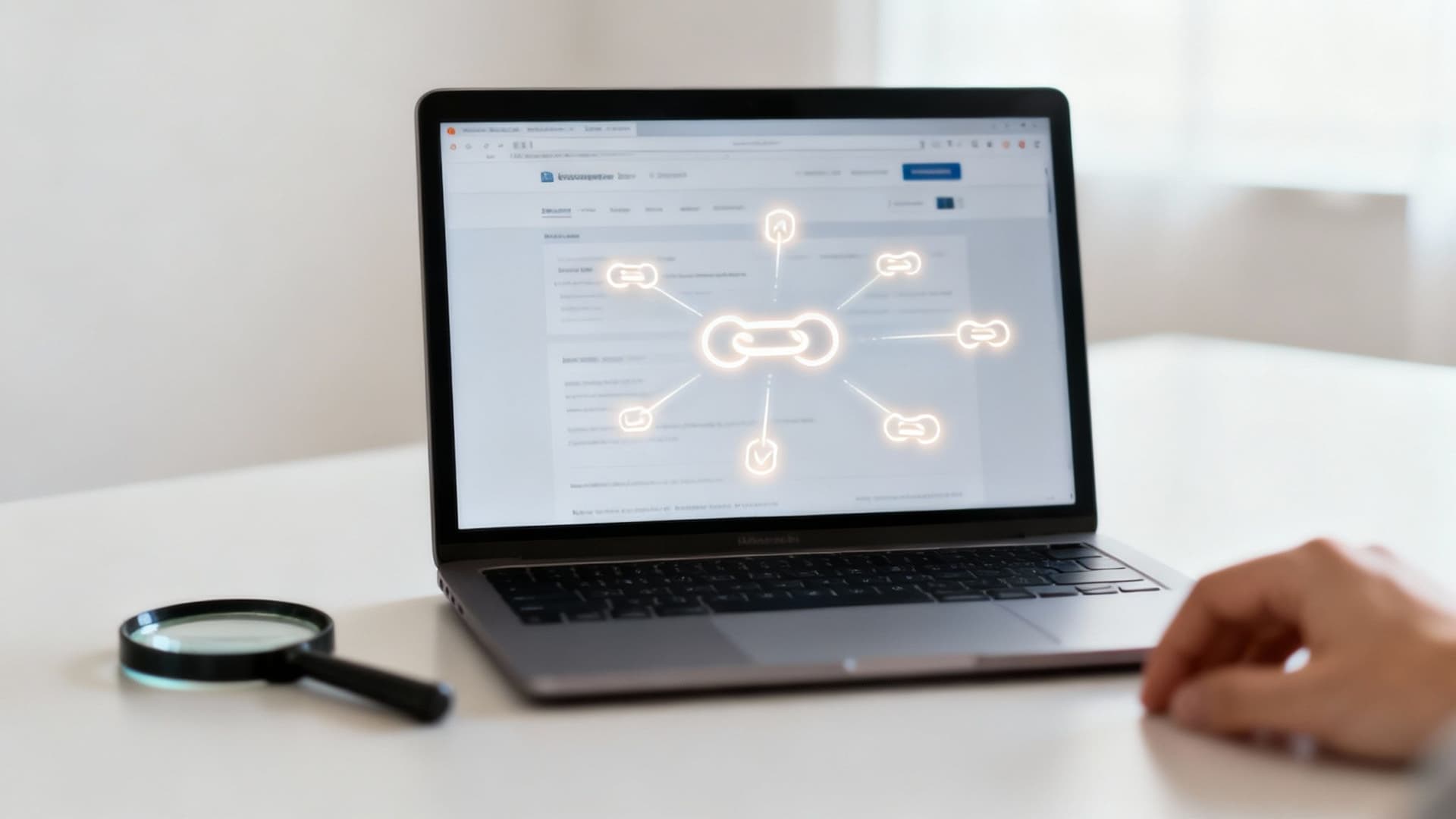
Tracking the pages that link to your site—and to competitors’ sites—is more than a vanity metric. Each backlink is a vote of confidence that helps search engines view your content as authoritative. Industry research shows a strong correlation between the number of referring domains and higher organic rankings, so understanding your backlink profile is strategically valuable2.
Keeping a close eye on backlinks gives you a consistent advantage. Core reasons to track backlinks:
Core Reasons to Track Your Backlinks
- Understand your performance: see which content pieces are your “link magnets.”
- Analyze competitor strategy: reverse-engineer tactics to find sources you can target.
- Uncover new link opportunities: identify high-authority sites in your niche that already link to similar content.
- Protect your site’s health: find and disavow toxic or spammy links that could harm rankings.
Knowing who links to you—and why—lets you make data-driven content and outreach decisions. For example, an interactive tool often earns more editorial links and engagement than a static article.
Uncovering Backlinks With Free Tools
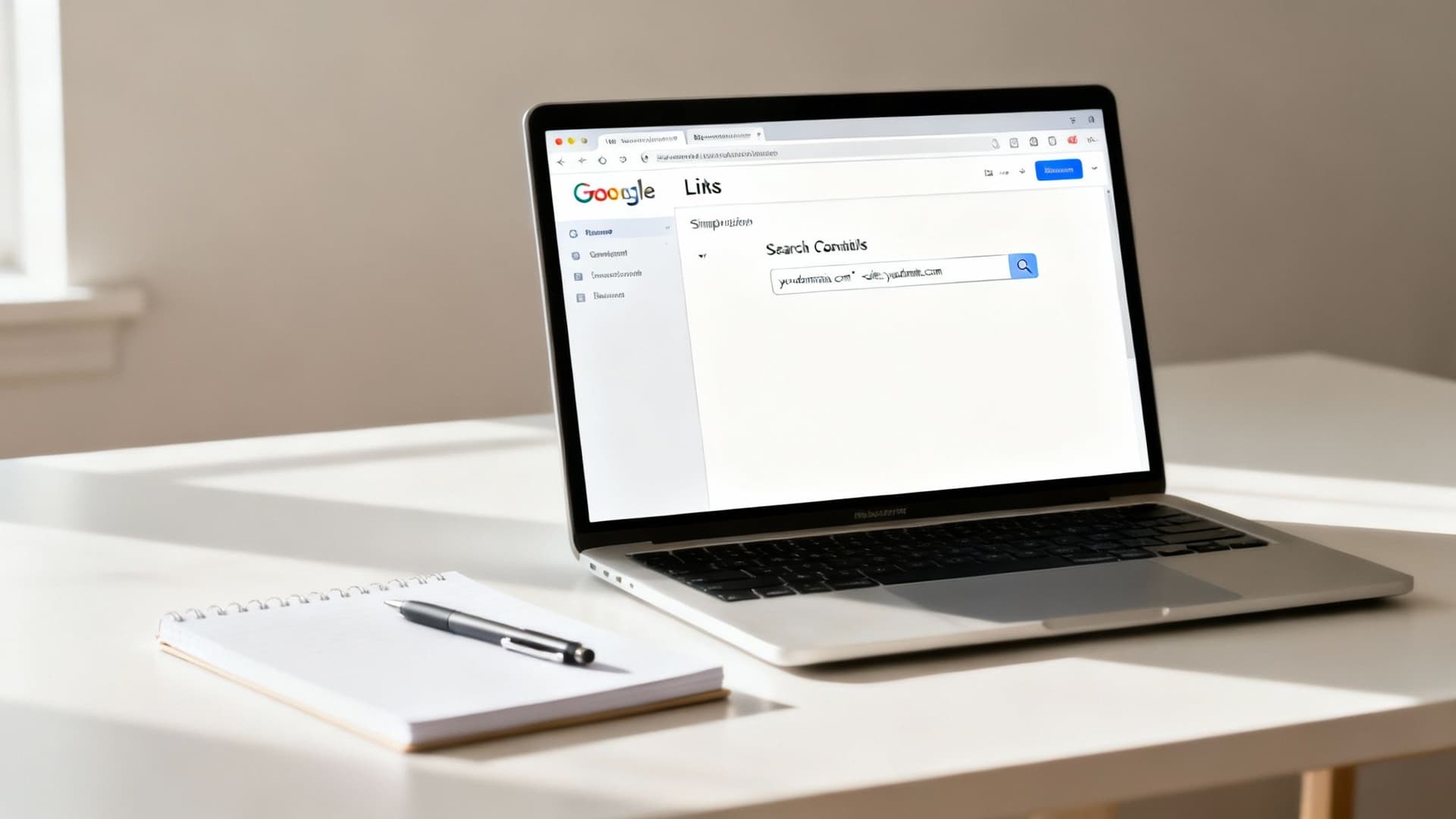
You don’t need a massive budget to start. Some of the most reliable data comes from free tools you may already use.
- Google Search Console: once your site is verified, use the “Links” report to see top-linked pages, linking sites, and anchor text—an essential first step for any backlink audit1.
- Google search operators: try queries like “yourdomain.com -site:yourdomain.com” to find external mentions.
- Bing Webmaster Tools: Bing’s index can surface links that don’t appear in Search Console, helping fill gaps in your view of referring domains3.
- Google Alerts: set alerts for your brand or domain to catch new mentions and turn unlinked mentions into outreach opportunities.
The goal with free tools isn’t to find every backlink. It’s to spot trends, high-value links, and timely opportunities without spending money.
A Practical Example
If you launch a new service page, run a Google search operator like “yournewservicepage.com -site:yournewservicepage.com” to see early adopters and sites that linked to your page. Combine that with Search Console and Bing Webmaster Tools for a reliable baseline.
Getting Serious with Premium Backlink Tools
Free tools are useful but limited. For a more complete link profile and deeper competitive analysis, premium tools are worth the investment. Ahrefs, Semrush, and Moz maintain large link databases so you can see a fuller set of referring pages and domains2.
Picking Your Link Analysis Tool
- Ahrefs: known for a massive index and a fast crawler—excellent for raw backlink data.
- Semrush: an all-in-one SEO suite with a strong Backlink Audit feature for identifying risky links.
- Moz: familiar authority metrics and a clean interface for assessing linking domains.
Remember: quality beats quantity. A single link from a high-authority site often outperforms many low-quality links4.
A Real-World Competitive Analysis Example
If a competitor consistently outranks you, plug their page URL into a premium tool and export referring sites. You’ll often find industry publications and high-value domains you can target in outreach. Don’t ask for a link without offering value—build something better: an interactive tool, a data-driven report, or a unique resource.
Examples of linkable interactive assets include tools like the Mortgage Calculator, the Business Valuation Estimator, or the Digital Business Valuation Tool. Tools solve real problems, attract shares, and improve time on page—signals that help SEO.
Turning Your Backlink Data Into Action
After exporting your backlink list to CSV, clean and prioritize the data. Backlink exports are often noisy; your job is to find the high-impact links.
Filtering for High-Impact Insights
Sort and filter by key metrics:
- Domain Authority (DA) or Domain Rating (DR): prioritize links from high-authority sites.
- Anchor text: see how others describe your content—branded, keyword-rich, or generic.
- Link type: distinguish editorial links from forum mentions, directories, or comments.
This turns raw data into a strategic plan.

Practical Applications for Your Data
- Broken link reclamation: find links pointing to a 404 on your site and request an update—an easy win.
- Unlinked brand mentions: turn mentions into links by asking authors to add a hyperlink.
- Content strategy ideation: if many sites link to a competitor’s basic article, build an interactive or data-rich alternative that’s more useful.
These tactics convert backlink data into new links and better content.
Building Link-Worthy Interactive Tools

The most linked-to content solves a specific problem. Interactive tools are especially shareable because they provide immediate utility and often attract editorial links and social shares.
Examples of link-worthy tools you could create include the Mortgage Calculator, the Business Valuation Estimator, and the Digital Business Valuation Tool. When visitors interact with an asset for minutes instead of seconds, it signals usefulness to search engines and can help rankings.
Backlink Analysis: Your Questions Answered
How often should I check for new backlinks?
For most sites, a monthly review is enough to spot meaningful trends and catch problematic links. If you’ve launched a major campaign or operate in a fast-moving niche, check weekly.
What’s the difference between a referring domain and a backlink?
A referring domain is the unique website linking to you; a backlink is the individual hyperlink. Search engines value diversity of referring domains more than multiple links from the same site.
Can I find backlinks for a competitor’s page?
Yes—tools like Ahrefs and Moz let you plug in any competitor URL and see their referring domains. Use those lists to build targeted outreach or create a superior resource that earns links naturally2.
Ready to build interactive resources that attract high-authority backlinks? Consider creating a tool that solves a real problem for your audience, such as the Business Valuation Estimator or the Digital Business Valuation Tool, and use backlink analysis to guide promotion.
Quick Q&A
Q: What’s the fastest way to find who links to my page?
A: Start with Google Search Console for verified sites, use search operators for quick checks, and supplement with a premium tool for full coverage.1
Q: Which backlinks should I prioritize?
A: Focus on links from high-authority domains, editorial placements, and links with relevant anchor text that drive referral traffic.
Q: What’s a low-effort link-building win?
A: Broken link reclamation—find expired or 404 targets that previously linked to you and request the site owner update the URL.
1.
Google Search Console: Official Google documentation for Search Console and its Links report.
2.
Ahrefs, “How Many Backlinks Do You Need to Rank?”: Industry research and data on the correlation between referring domains and rankings.
3.
Bing Webmaster Tools: Information about Bing’s webmaster tools and backlink data.
4.
Moz, “What Are Backlinks?”: Guide on backlinks, their value, and link-building tactics.
Ready to Build Your Own Tools for Free?
Join hundreds of businesses already using custom estimation tools to increase profits and win more clients
✨ No coding required • 🚀 Ready in minutes • 💸 Free to create