Discover the top client onboarding best practices to boost retention and success. This guide covers everything from goals to tools for a seamless experience.
December 13, 2025 (9mo ago)
10 Client Onboarding Best Practices to Maximize Value in 2025
Discover the top client onboarding best practices to boost retention and success. This guide covers everything from goals to tools for a seamless experience.
← Back to blog
10 Client Onboarding Best Practices to Maximize Value in 2025
Summary: Discover the top client onboarding best practices to boost retention and success. This guide covers everything from goals to tools for a seamless experience.
Introduction
Client onboarding is more than a welcome email and a link to a help center. It’s the make-or-break period where you either prove value fast and build trust, or create confusion that leads to churn. The right onboarding accelerates time-to-value, aligns expectations, and turns new clients into long-term partners. 1
In this guide, you’ll find 10 practical onboarding practices you can apply today — from personalization and data migration to training and handoffs — plus concrete steps to measure and improve your process.
1. Personalized Onboarding Paths
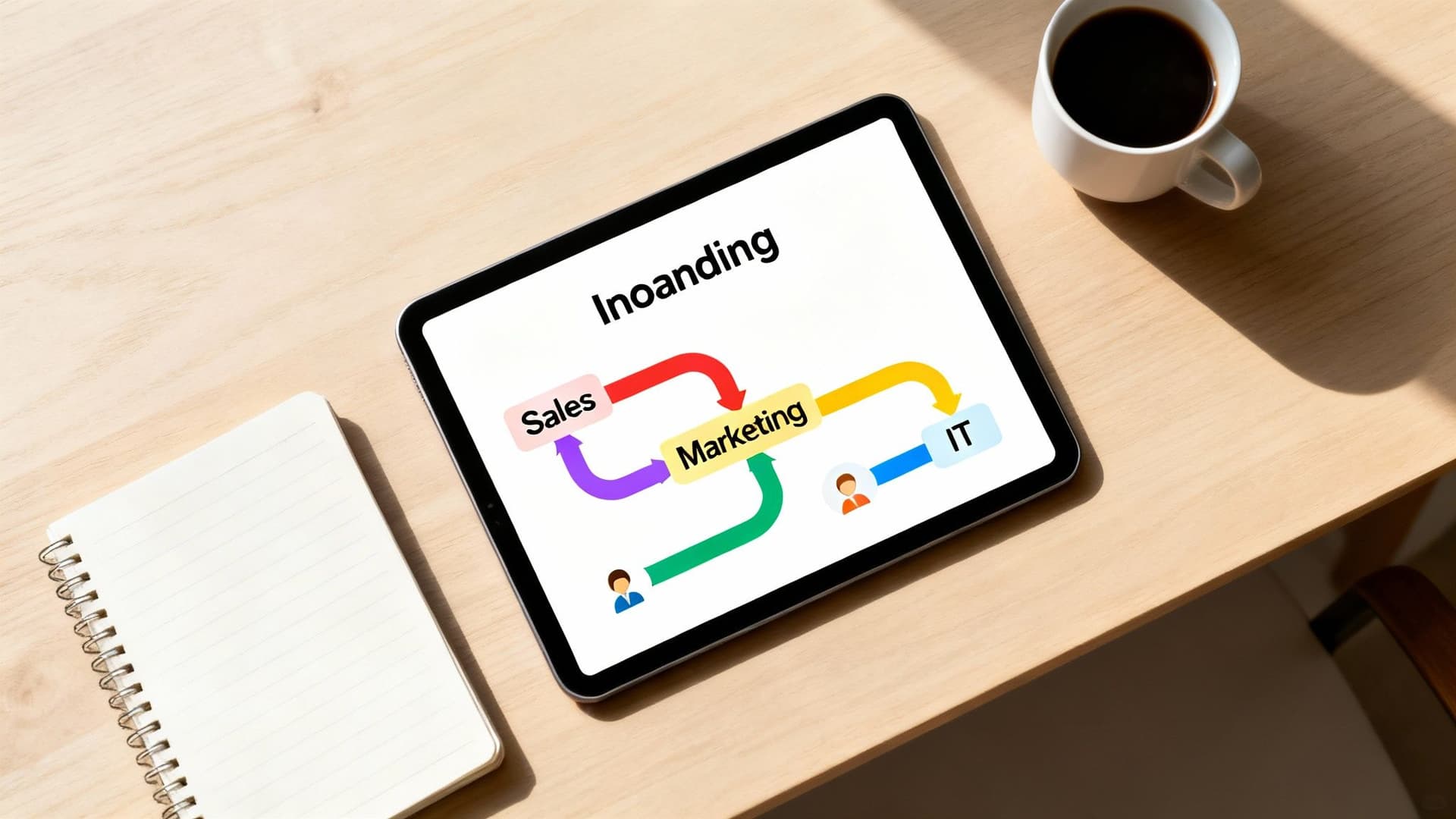
Ditch one-size-fits-all onboarding. Create tailored paths based on industry, company size, primary use case, and technical skill. Personalized journeys help clients reach their “aha” moment faster and show you understand their goals.
Why personalization matters
Generic training wastes client time and lowers adoption. Tailored content focuses on the features and workflows that solve a client’s immediate needs, improving satisfaction and long-term usage.2
How to implement personalized paths
- Conduct focused discovery with pre-kickoff calls and questionnaires.
- Segment clients by industry, tier, or use case.
- Build modular content libraries (videos, checklists, guides) to assemble custom learning playlists.
- Use lightweight assessments to route clients to the right content. For marketing scale, consider embedding tools such as the Email List Value Estimator to quickly understand client reach and personalize marketing guidance.
Personalization helps clients see relevant wins sooner and increases early adoption.
2. Dedicated Onboarding Specialists
Assign a single specialist as the client’s guide from handoff through initial adoption. This person is the project lead, advocate, and consistent point of contact.

Why a dedicated specialist helps
Without a single owner, clients get bounced between teams and repeat themselves. A specialist builds rapport, drives milestones, and shortens the path to value.
How to implement the role
- Define clear responsibilities and handoff criteria from sales.
- Provide specialists with tools to quantify value, such as the Business Valuation Estimator to demonstrate financial impact early.
- Track KPIs: time-to-first-value, adoption rates, and initial satisfaction scores.
A named specialist turns onboarding into a relationship-building process rather than a checklist.
3. Interactive Onboarding Portals
Offer a central self-service hub with training, documentation, checklists, and short video tutorials so clients can learn at their own pace.

Why portals matter
A single source of truth reduces confusion from scattered emails and documents and scales support for high-volume clients.
How to build an effective portal
- Organize content by role, topic, or onboarding stage.
- Include interactive checklists and progress tracking.
- Embed value-focused tools like the Consulting Rates Estimator to help clients model outcomes and justify budgets.
- Offer short, role-specific video walkthroughs and a robust search function.
A well-designed portal frees your team’s time while keeping clients moving forward.
4. Clear Success Metrics and Goals Definition
Start every engagement by defining measurable success criteria. A shared “Success Plan” aligns priorities and provides a way to prove ROI.
Why goals are essential
Without agreed metrics, onboarding can feel aimless and it’s hard to prove value. Connect technical milestones to business outcomes to keep everyone focused.
How to set meaningful goals
- Hold a goal-setting session early in onboarding.
- Create a shared Success Plan document outlining KPIs and milestones.
- Link technical goals to business outcomes and expected ROI using tools like the Business Valuation Estimator.
- Schedule regular reviews to adjust priorities and stay aligned.
Clear goals turn onboarding into a strategic effort rather than a series of tasks.
5. Structured Phased Implementation
Break complex rollouts into phases, each with defined deliverables and exit criteria. A phased approach reduces risk and creates regular validation points.
Why phases work
Trying to launch everything at once causes missed requirements and frustrated users. Phases let you secure early wins and course-correct before wide release.
How to run a phased implementation
- Define what “done” looks like for each phase.
- Create a shared timeline with milestones and responsibilities.
- Hold phase-gate reviews with key stakeholders to show progress and gain sign-off.
- Use a central project tool to keep decisions and status transparent.
Phased rollouts improve predictability and client confidence.
6. Comprehensive Training and Certification Programs
Offer multi-format training and role-specific certification to build internal champions inside your client’s organization.
Why training is a priority
Clients who understand how to use your product fully are more likely to adopt it long-term. Structured learning creates internal experts who can sustain growth.
How to design programs
- Mix self-paced videos, live webinars, and hands-on labs.
- Build role-specific learning paths (admins, power users, end users).
- Use gamification—points and badges—to boost engagement.
- Integrate practical scenarios; for financial modeling, use tools like the Mortgage Calculator when teaching finance-related features.
Certifications turn users into advocates and reduce support load over time.
7. Regular Check-ins and Communication Plans
Agree on a communication cadence early and keep meetings purposeful with agendas and action items.
Why cadence matters
Reactive communication creates anxiety and delays. A predictable rhythm keeps momentum and builds trust.
How to set a communication plan
- Decide meeting frequency, participants, and meeting goals during kickoff.
- Share agendas in advance and record action items with owners and deadlines.
- Use asynchronous tools for status updates so meetings focus on decisions and blockers.
Consistent communication prevents small issues from becoming project risks.
8. Data Migration and Integration Planning
Plan migrations carefully: audit source data, map to target fields, run test migrations, and validate results with users.
Why migration planning is critical
Bad migrations break trust and delay value realization. Rigorous testing and validation preserve business continuity.
How to manage migrations
- Perform a thorough data audit and involve client data owners.
- Create a detailed source-to-target mapping document.
- Run multiple test migrations in a sandbox and fix transformation issues.
- Define a cutoff for the old system and plan user validation after migration.
A clean migration helps clients see your product’s value using their own historical data.
9. Feedback Loops and Continuous Improvement
Build structured feedback collection at key milestones and analyze responses to refine onboarding over time.
Why feedback matters
Without feedback, you’re guessing. Timely, specific input highlights friction and guides meaningful improvements.
How to implement feedback loops
- Request feedback after the kickoff, training, and first major milestone.
- Ask focused, actionable questions rather than generic ratings.
- Centralize feedback in one system and look for trends.
- Run post-onboarding reviews (After Action Reviews) to capture lessons and close the loop with clients.3
Feedback fuels an ongoing cycle of improvement and higher client satisfaction.
10. Post-Launch Support and Transition Planning
Plan the handoff from onboarding to ongoing support so clients don’t feel abandoned after launch.
Why a smooth transition matters
Without a clear handoff, clients keep asking onboarding for routine help and support teams lack context. A planned transition clarifies ownership and expectations.
How to run a successful handoff
- Schedule a formal transition meeting 2–3 weeks before go-live to introduce the ongoing team.
- Prepare detailed internal handoff notes covering goals, unique configs, and open items.
- Define support SLAs and explain channels and response times.
- Schedule proactive 30/60/90-day check-ins to monitor progress against goals.
A structured handoff prevents post-launch dips in engagement and reduces churn.
Top 10 Client Onboarding Practices Comparison
| Approach | Implementation Complexity | Resource Needs | Speed to Value | Expected Impact | Best Fit |
|---|---|---|---|---|---|
| Personalized Paths | High | High | Moderate | High | Diverse clients, mid→enterprise |
| Dedicated Specialists | Medium | High | Fast | High | Enterprise/high-touch |
| Interactive Portals | High | High | Fast | High | High-volume SaaS |
| Clear Success Metrics | Low–Medium | Low–Medium | Moderate | High | Any multi-stakeholder projects |
| Phased Implementation | Medium–High | Medium | Slow | High | Complex systems (ERP) |
| Training & Certification | High | High | Slow | High | Regulated industries, large teams |
| Regular Check-ins | Low | Medium | Moderate | Medium | Distributed teams |
| Data Migration Planning | High | High | Slow | High | Legacy migrations |
| Feedback Loops | Medium | Medium | Ongoing | High | Product-led orgs |
| Post-Launch Handoffs | Medium | Medium–High | Moderate | High | Subscription SaaS |
Making Onboarding Your Competitive Advantage
Onboarding is where a contract becomes a partnership. The practices above — personalization, clear goals, phased delivery, training, and proactive handoffs — aren’t just about preventing churn. They’re about engineering long-term success and turning clients into advocates.
Key takeaways
- Personalize experiences to speed adoption.
- Set measurable goals and a review cadence.
- Invest in education to create internal champions.
- Treat onboarding as an evolving system driven by client feedback.
Actionable next steps
- Map your current onboarding journey from the client’s perspective and find the friction points.
- Pick one high-impact practice to implement first and measure its effect.
- Embed early-value tools in onboarding — for example, add the Digital Business Valuation Tool to demonstrate business impact during kickoff.
- Track KPIs: time-to-value, adoption rates, and early satisfaction; gather feedback and iterate.
Mastering the first 90 days creates long-term value and a loyal customer base.
Frequently Asked Questions
Q: What’s the single most important thing to improve onboarding?
A: Start with clear success metrics. If you can’t measure what success looks like, you can’t prove value or prioritize work.
Q: How do I scale onboarding without losing personalization?
A: Build modular content and an interactive portal, then use segmentation and lightweight assessments to route clients to tailored paths.
Q: When should a customer be handed off from onboarding to account management?
A: Plan the handoff before go-live, hold a formal transition meeting, and schedule proactive 30/60/90-day check-ins to ensure continuity.
Ready to add interactive tools that demonstrate value in onboarding? Try embedding the Digital Business Valuation Tool to give clients immediate insight into outcomes.
1.
HubSpot, “How to Improve Customer Onboarding,” https://blog.hubspot.com/service/customer-onboarding
2.
McKinsey & Company, “The value of getting personal — A new mandate for marketing,” https://www.mckinsey.com/business-functions/marketing-and-sales/our-insights/the-value-of-getting-personal
3.
Gainsight, “Customer Onboarding Best Practices,” https://www.gainsight.com/guides/customer-onboarding/
Ready to Build Your Own Tools for Free?
Join hundreds of businesses already using custom estimation tools to increase profits and win more clients
✨ No coding required • 🚀 Ready in minutes • 💸 Free to create