Discover the best website personalization tools to boost engagement and revenue. Learn how to choose the right software and implement strategies that work.
February 7, 2026 (8mo ago)
A Practical Guide to Website Personalization Tools
Discover the best website personalization tools to boost engagement and revenue. Learn how to choose the right software and implement strategies that work.
← Back to blog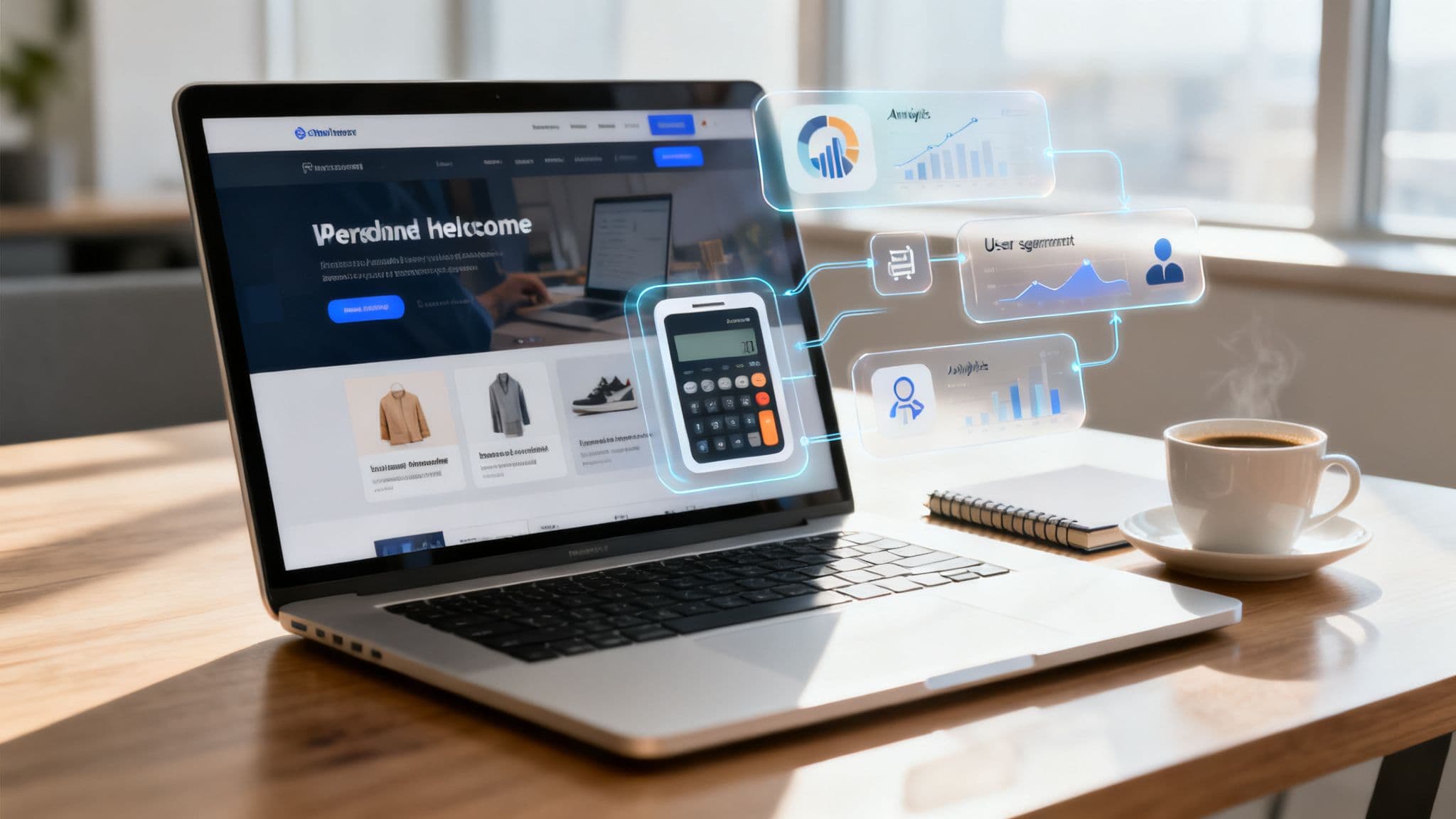
Website Personalization Tools: Practical Guide
Summary: Discover the best website personalization tools to boost engagement and revenue. Learn how to choose the right software and implement strategies that work.
Introduction
Website personalization turns generic pages into experiences that feel built for each visitor. This guide explains how personalization tools work, which architectures and features matter, and how interactive embedded tools can drive measurable engagement and revenue.
So, what exactly are website personalization tools?
Think of them as software that lets you tailor your website’s content, offers, and the visitor journey in real time. Instead of serving the same static page to everyone, these tools use data—like location, click behavior, or purchase history—to create a relevant path for each person. That relevance boosts engagement and, more importantly, conversions.
The power of a personalized welcome
Imagine a retail store where every visitor sees a display designed just for them. Website personalization tools are the online equivalent: they greet visitors with relevant content, recommend products, and surface the right offer at the right moment. This goes far beyond inserting a name into a headline; real personalization creates meaningful experiences that improve business outcomes.
How personalization delivers value
Personalization is about using visitor data to make smart, real-time adjustments to your site. The core benefits include:
- Increased engagement: Relevant content keeps visitors on the page longer and encourages more clicks. A major industry analysis shows strong consumer expectations for personalization1.
- Higher conversion rates: Presenting the right offer at the right moment dramatically improves performance—personalized calls-to-action can outperform generic ones by double digits or more2.
- Improved loyalty: When customers feel understood, they’re more likely to return and spend more over time.
Personalization is no longer just for huge brands; modern tools make tailored experiences accessible to businesses of any size.
Exploring different types of personalization
Tools differ technically—and those differences matter. Some platforms are quick to launch and usable by marketing teams, while others require developer work but deliver a smoother visitor experience. Choosing the right approach depends on your goals and resources.
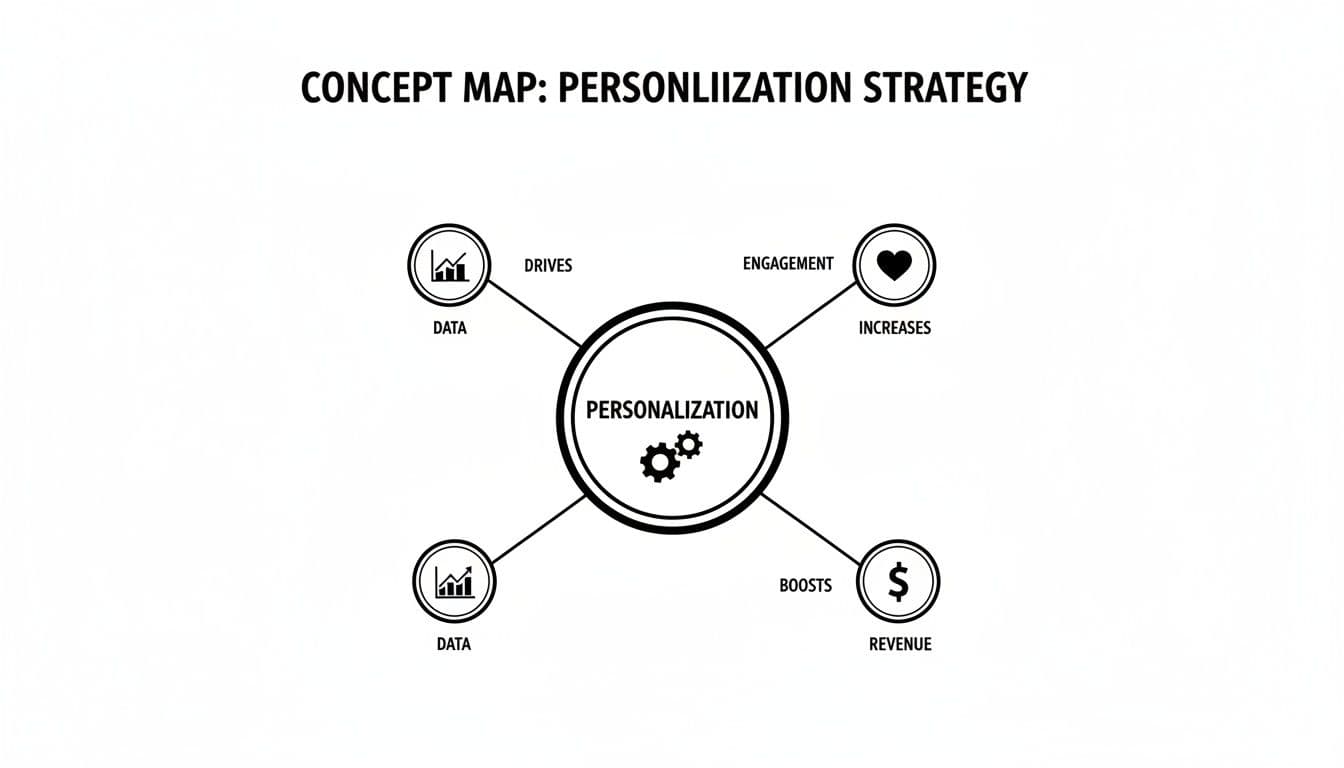
Personalization architectures at a glance
| Architecture Type | How it works | Pros | Cons | Best for |
|---|---|---|---|---|
| Client-side | Script runs in the browser to swap content after load | Fast to implement; marketing-friendly | Risk of “flicker” effect; can affect perceived speed | A/B tests, simple content swaps |
| Server-side | Server builds a custom page before sending it | Flicker-free; better for SEO and performance | Developer involvement; more complex | E-commerce, critical above-the-fold personalization |
| CDP-driven | Customer Data Platform unifies data for cross-channel personalization | Consistent, powerful personalization across channels | Expensive and complex | Mature businesses with many touchpoints |
| Embedded tools | Interactive widgets (calculators, quizzes) placed on pages | High engagement; generates qualified leads | Best for specific use cases | Service businesses, B2B companies |
Choosing the right path depends on immediate needs and long-term vision.
CDP-driven personalization and embedded tools
CDP-driven personalization unifies data from web, app, and CRM for coherent experiences across channels. Embedded tools flip the script: instead of guessing what a visitor wants, you give them something useful—an interactive calculator or estimator that solves a real problem.
Imagine an agency embedding a calculator that shows the real-world value of a client’s social presence. The user gets instant value, and the agency gets a qualified lead. Embedded tools also boost SEO: increased time on page and deeper engagement are positive signals to search engines.
Must-have features in personalization software
Finding the right tool can feel overwhelming. Focus on the features that actually move the needle:
- Audience segmentation: Group visitors by location, firmographics, or behavior to serve relevant experiences.
- A/B testing: Validate which messages work for which segments and remove guesswork.
- Real-time content modification: Deliver instant, flicker-free personalization for the best user experience.
- AI and ML capabilities: Predictive personalization can serve the most relevant content by analyzing many data points.
A strong foundation of segmentation plus testing and real-time updates produces the most consistent results.
The rise of AI and machine learning
AI and machine learning let platforms move beyond simple rules. Predictive engines can analyze thousands of signals to anticipate visitor intent and serve content that nudges conversions. The personalization software market is projected to grow substantially in the coming years, reflecting increasing business adoption and investment3.
That said, full AI platforms can be overkill for many teams. Specialized, focused tools often deliver more immediate value for less cost.
For example, consider embedded tools available today like the Business Valuation Estimator for financial insights or the YouTube Channel Value Estimator for social media assessments. These create high-value, interactive experiences without heavy infrastructure.
Driving revenue with custom embedded tools
Embedded interactive tools are among the fastest ways to drive measurable results. Instead of swapping headlines, you give visitors something of immediate value.
Imagine a SaaS company adding a small ROI calculator to its pricing page. Visitors enter their numbers and get a tailored projection—instant value, longer engagement, and a powerful lead signal.

Deliver true personalization on demand
A calculator personalizes the experience by giving a concrete answer to a visitor’s question: "What’s the financial impact for my business?" When users input their data, they receive a result directly tied to their circumstances. That user-driven personalization creates deeper engagement than simple content swaps.
Become an SEO powerhouse
Interactive tools boost metrics like time on page and session duration—signals search engines use to evaluate content value. Tools can also become linkable assets that attract backlinks, building domain authority over time.
Generate sales-ready leads
An embedded tool can collect an email to send a tailored PDF of results. Those leads are pre-qualified and primed for sales conversations—your team can reference the user’s own numbers and skip generic discovery steps.
Examples that work across industries
- Financial consultants: Add the Business Valuation Estimator to capture business owners who want a valuation and are likely to convert to advisory clients.
- Marketing agencies: Use the YouTube Channel Value Estimator or the Instagram Account Value Estimator to show prospects tangible value from their social channels.
- Real estate agents: Embed the Mortgage Calculator so buyers can quickly determine affordability before booking a showing.
These tools turn passive visitors into active participants and create a steady stream of qualified leads.
How to measure personalization ROI
Proving value is essential. Measure the metrics that link directly to revenue and establish a baseline before launching personalization.
Core KPIs to track
- Conversion rate lift: Compare conversions for personalized experiences versus generic ones using A/B testing.
- Average order value (AOV): For e-commerce, track whether personalized recommendations increase spend.
- Customer lifetime value (CLV): Track the long-term revenue impact of improved retention and repeat purchases.
When you can attribute outcomes directly to an embedded tool, measuring ROI becomes straightforward. For example, a contractor embedding a Home Renovation Budget Estimator can directly count project inquiries that come from that tool.
Personalization works when you track outcomes and optimize continuously—data replaces guesswork.
Navigating privacy and performance hurdles
Personalization must respect privacy and preserve site performance. Get these wrong and you’ll erode trust and damage rankings.
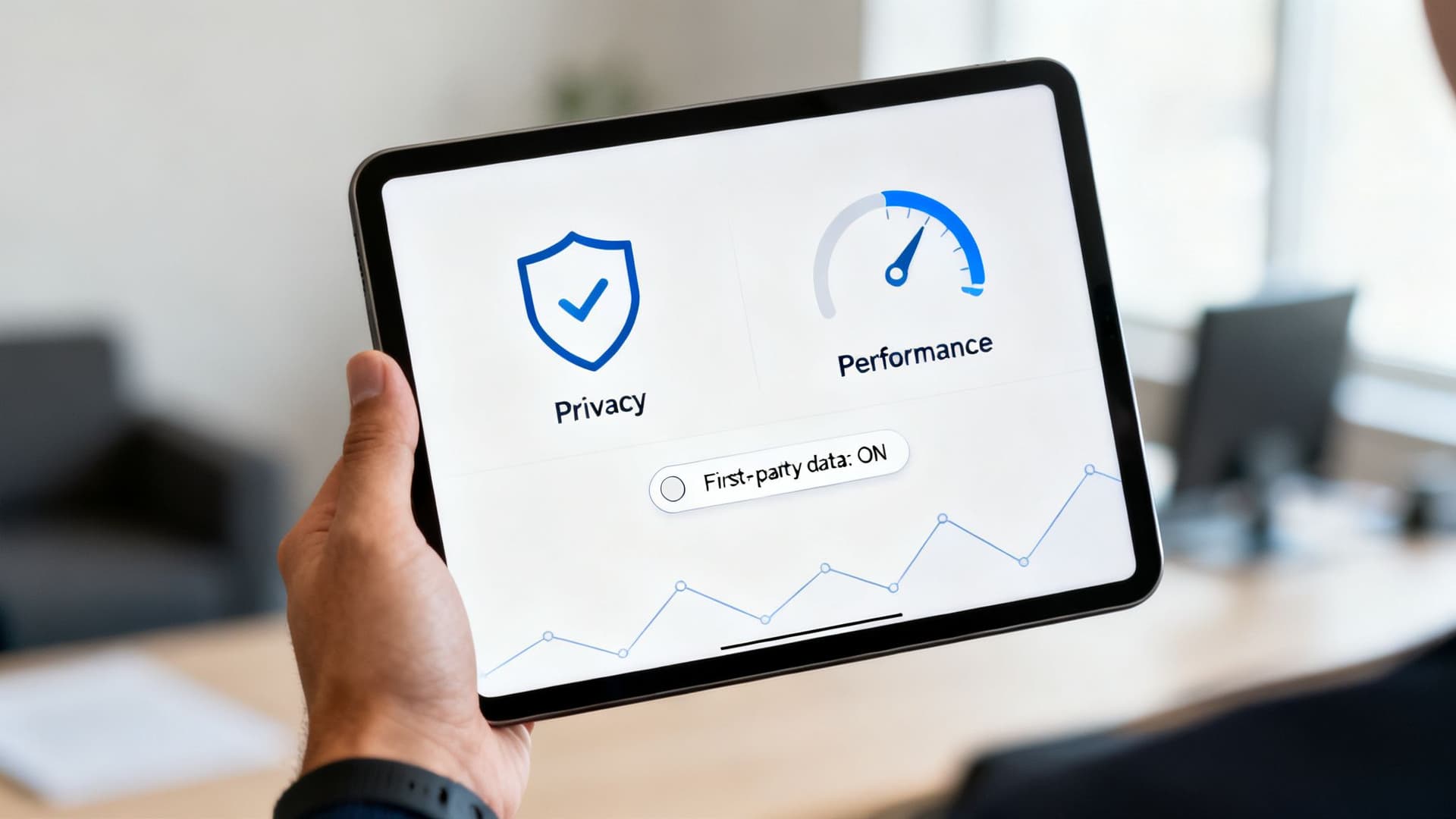
Privacy-first personalization
Follow regulations like GDPR and CCPA and prioritize first-party, user-provided data. Offer clear value in exchange for user-shared information—interactive tools are ideal because visitors willingly provide details in return for a tangible result. This transparency builds trust and avoids invasive background tracking5.
Keep your site fast
Many client-side personalization tools add JavaScript that slows pages. Embedded tools that are lightweight and self-contained minimize code bloat and protect Core Web Vitals. Prioritize solutions that load quickly and don’t interfere with your site’s main codebase.
Frequently Asked Questions
How much data do I need to get started?
You need less than you think. Start with simple signals like geolocation or referral source, measure results, and expand based on what works.
Can personalization hurt SEO?
It can if you use heavy client-side scripts that slow your site. Lightweight embedded tools can improve SEO by increasing engagement and generating backlinks.
Is personalization only for e-commerce?
No. Any site that benefits from relevance—B2B, publishers, service businesses—can use personalization to improve conversions and lead quality.
Q&A — Common user questions
Q: What personalization approach should my team pick first? A: Start small with client-side personalization for quick wins, or embed a focused interactive tool to provide immediate value and measurable leads.
Q: How do I prove personalization is worth the investment? A: Establish baselines for conversion rate, AOV, and CLV, then run A/B tests and track the change attributable to personalization.
Q: How do I balance privacy with personalization? A: Use privacy-first strategies: request user-provided data via tools, be transparent about use, and comply with GDPR/CCPA requirements5.
Start by embedding a free tool such as the Business Valuation Estimator to create immediate value and capture qualified leads.
1.
McKinsey & Company, “The value of getting personalization right,” McKinsey.com, https://www.mckinsey.com/business-functions/marketing-and-sales/our-insights/the-value-of-getting-personalization-right
2.
HubSpot, “How to Use Personalization to Improve Conversions,” https://blog.hubspot.com/marketing/personalization-examples
3.
360iResearch, “Personalization Software Market Analysis” https://www.360iresearch.com/library/intelligence/personalization-software
4.
Contentful, “Personalization statistics and trends,” https://www.contentful.com/blog/personalization-statistics/
5.
General Data Protection Regulation (GDPR), https://gdpr-info.eu/ and California Consumer Privacy Act (CCPA), https://oag.ca.gov/privacy/ccpa
Ready to Build Your Own Tools for Free?
Join hundreds of businesses already using custom estimation tools to increase profits and win more clients
✨ No coding required • 🚀 Ready in minutes • 💸 Free to create