Learn how to find inbound links to any page using free and premium tools, detect unlinked mentions, and prioritize high-value backlinks that improve rankings and referral traffic.
December 6, 2025 (10mo ago) — last updated June 29, 2026 (3mo ago)
How to Find Inbound Links to Any Page
Find and analyze inbound links with free and premium tools, detect unlinked mentions, and prioritize high-value backlinks for better SEO.
← Back to blog
How to Find Inbound Links to Any Page
Summary: Discover free and premium methods to find inbound links, assess link quality, and turn backlink data into actionable SEO wins.
Learn how to find inbound links to a page with a clear, practical approach. This guide covers free tools, advanced tactics, and how to evaluate link quality so you can use backlink data to drive meaningful SEO results.
Why Finding Inbound Links Is Crucial for Your SEO Strategy

Knowing who links to your pages is powerful SEO intelligence. It’s not just a numbers game — it’s about understanding what content connects with people, spotting outreach opportunities, and protecting your site from harmful links. The vast majority of pages on the web get no external backlinks, which means they don’t earn authority from other sites1.
Uncovering Your Digital Endorsements
Think of every inbound link as a vote of confidence. When a reputable site links to your page, it signals to search engines that your content is useful and trustworthy. Understanding your backlink profile lets you:
- Pinpoint your best content and create more of it.
- Discover link prospects by seeing who links to competitors but not you.
- Evaluate link quality so you focus on what truly moves the needle.
A strong backlink profile is built, not just found. Actively seeking and analyzing inbound links moves you from passively hoping for traffic to actively growing your site’s authority.
From Analysis to Actionable Strategy
The real goal isn’t only collecting data; it’s turning insights into a plan. If one post is attracting links, expand it into a pillar page or related cluster. Create useful, embeddable tools or resources that other sites will want to share.
For business or finance audiences, consider an embeddable tool like the Business Valuation Estimator. For real estate content, an interactive Mortgage Calculator becomes an asset publishers will link to. For domain-focused content, an interactive Domain Name Value Estimator can serve as a shareable resource that drives recurring referral traffic.
Starting Your Search with Free Backlink Tools
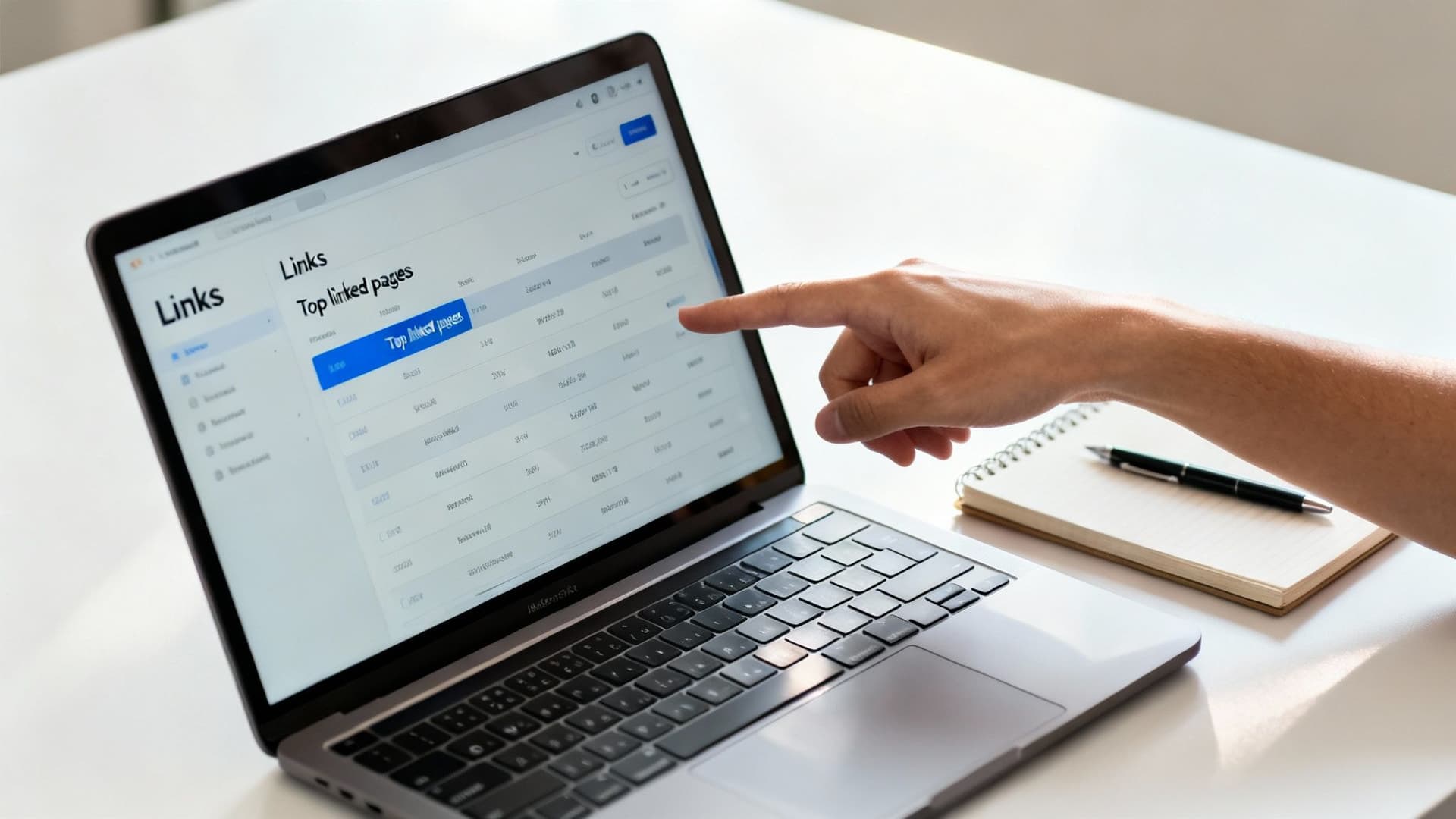
Your first stop should be Google Search Console (GSC). It’s free and shows how Google itself sees your site’s backlinks—your ground truth for domain-level link data4.
Accessing the Links Report in GSC
In GSC, open the “Links” tab and focus on “External links.” Key reports:
- Top linked pages — which URLs on your site get the most incoming links.
- Top linking sites — which domains are linking to you most often.
Use both together: one shows what content earns links, the other shows who’s doing the linking. Treat the “Top linked pages” report as your content MVP list—these pages are proven assets.
Interpreting Your First Backlink Data
Look past raw counts. If one page shows 150 incoming links but from only three domains, that’s often weaker than a page with 20 incoming links from 18 different domains. Diversity of linking domains signals independent endorsements and stronger authority.
GSC is the starting point. To round out your view without spending money, try complementary free SEO tools and trackers.
From Data to Outreach
If a respected university links to your research, that’s social proof you can use when reaching out to other educational or industry sites. If a resource attracts links, study the linking pages to learn where your audience spends time.
You can also create embeddable assets. For example, an interactive estimator like the Domain Name Value Estimator or the Business Valuation Estimator is an easy win for publishers. When you have a proven resource, targeted outreach converts much better.
Gaining a Competitive Edge with Premium SEO Tools
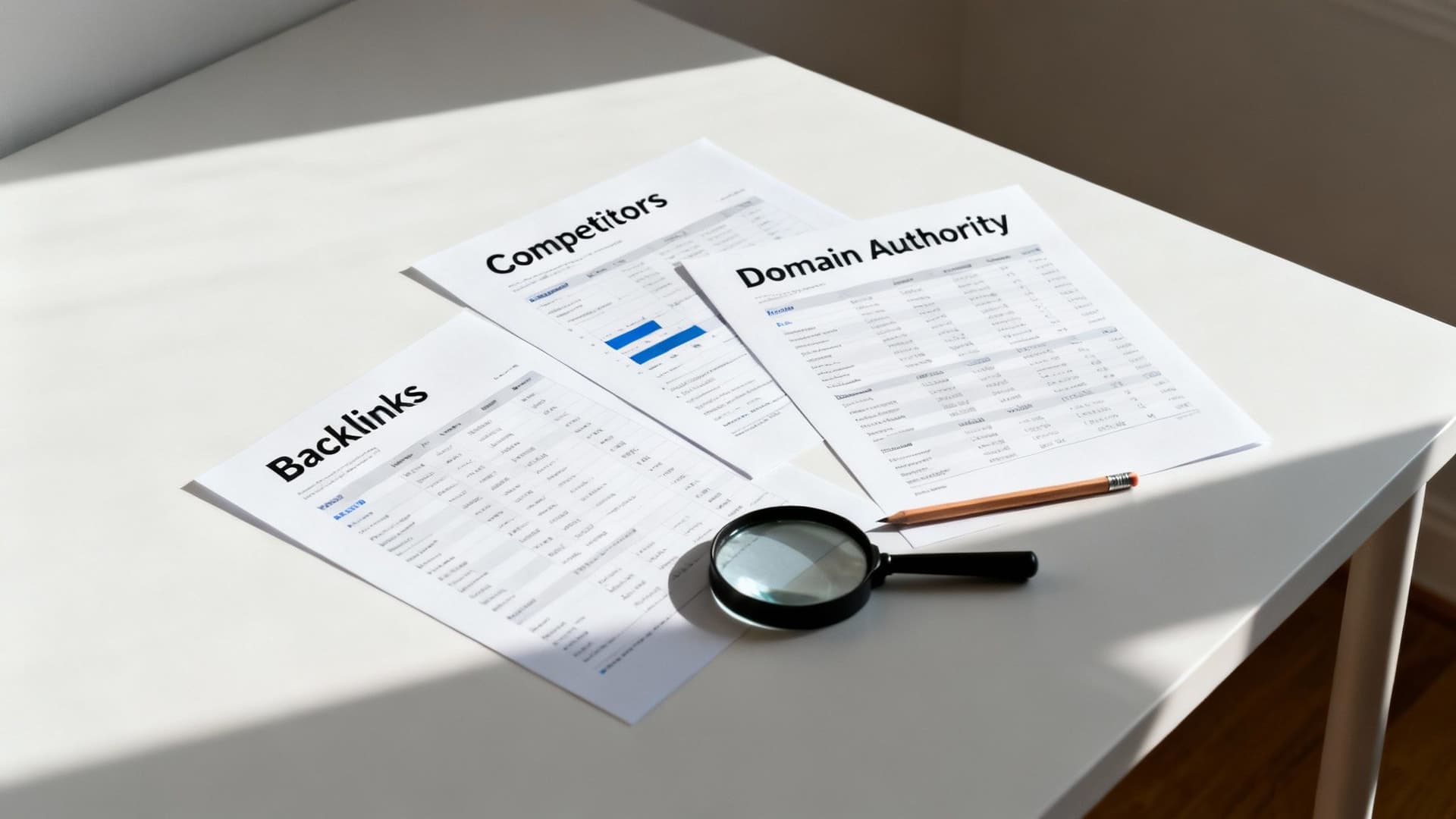
Free tools only show your side of the field. For market-wide intelligence, premium platforms like Ahrefs, SEMrush, Moz, and Majestic offer large link indexes and advanced filtering to reverse-engineer competitor link profiles.
Comparing Top Backlink Analysis Tools
- Ahrefs — largest, freshest link index; great for deep backlink research.
- SEMrush — all-in-one marketing suite for integrated SEO and content workflows.
- Moz — user-friendly authority metrics for quick assessments.
- Majestic — historical link data with Trust Flow metrics.
Each platform helps you slice the data to find high-value link opportunities. For competitor analysis, drop a rival URL into Site Explorer and inspect their backlinks and referring domains.
A Practical Example: Hunting for High-Authority Links
If a competitor’s pillar page on “Sustainable Urban Farming” has valuable links, use filters to show only .edu and .gov referring domains and layer on “dofollow” links. In seconds you’ll have a prioritized outreach list of authoritative institutions.
Why Link Volume and Diversity Matter
Pages that rank at the top often have significantly more backlinks and more unique referring domains than lower-ranked pages, which shows the importance of both link quantity and diversity2.
Turn Competitor Intel into Your Advantage
Identify the competitor’s linkable asset—research, infographic, or an interactive tool—and build something better. Then reach out to the same institutions with your improved resource. For publishers that cover creators or social media, an embeddable YouTube Channel Value Estimator or a domain valuation tool can be persuasive.
Go Beyond the Basics: Finding Link Opportunities Others Miss
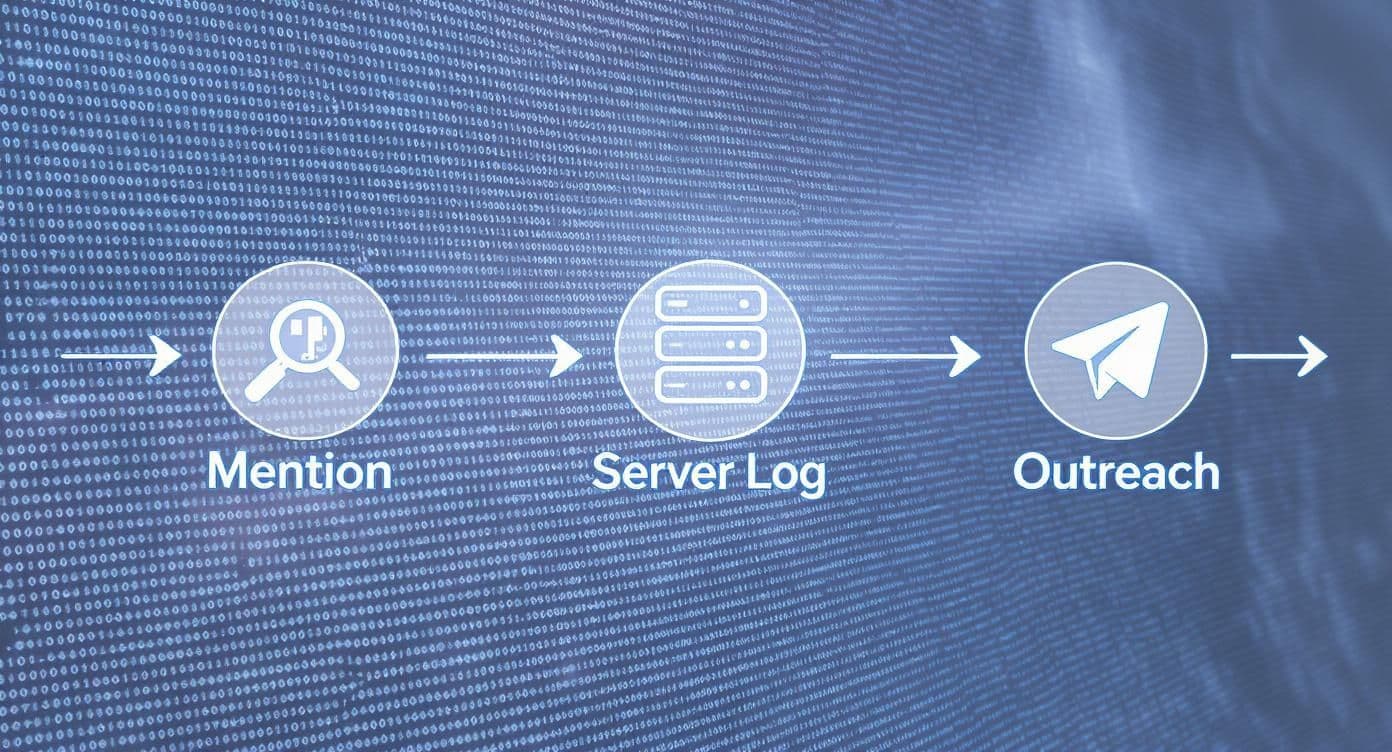
Standard reports show existing backlinks. To find opportunities you should have, hunt for unlinked mentions and use server logs to detect link-driven activity faster than third-party indexes report it.
Hunt Down Unlinked Brand Mentions
Unlinked mentions are low-hanging fruit. Use Google search operators to find pages that mention your brand but don’t link to you, for example:
intext:"Your Brand Name" -site:yourdomain.com
Each unlinked mention is a warm lead—personalized outreach asking for a link often works very well.
From Mention to Outreach
Personalize your email, reference the exact article, and explain how adding a link benefits their readers. A short, helpful message converts far better than a generic template.
Get Technical: Analyzing Server Logs for SEO Clues
Server logs record every request to your site, including bot traffic. If Googlebot suddenly crawls a page more frequently, that often signals a new inbound link and gives you near real-time visibility into link-driven discovery.
Log analysis can reveal crawl frequency, crawl budget use, and the moment a bot first finds a URL—insights that sometimes arrive before premium tools index new backlinks.
Turning Backlink Data into Actionable SEO Wins
Collecting links is the easy part; the skill is knowing which links matter. Use a simple quality framework focused on authority, relevance, and anchor text to sort your backlinks.
Evaluating Inbound Link Quality
Score links on three pillars:
- Authority: Is the linking domain reputable (major sites, .edu, .gov)?
- Relevance: Does the linking page contextually relate to your content?
- Anchor text: Is the anchor natural and varied over time?
Bucket links into high-value, neutral, and potentially harmful. Prioritize outreach and content creation around high-value signals.
Create Your Own Link Magnets
When you spot patterns—one topic attracting most links—double down with comprehensive content and shareable resources. Build tools that other sites want to embed, like the Business Valuation Estimator or the Domain Name Value Estimator. When your asset saves their readers time or adds value, links follow naturally.
Document discoveries, test outreach templates, and repeat what works to scale link acquisition.
Building a Repeatable Workflow
Combine deep analysis with genuinely useful assets to create a sustainable link acquisition engine. Over time you’ll move from reacting to links to proactively generating them month after month.
Keep clear records and use simple reporting to show progress and impact.
A Few Common Questions That Always Come Up
How Often Should I Check for New Links?
For most sites, monthly checks are sufficient. If you’re in a highly competitive niche or running an active campaign, check weekly and set up alerts in tools like Ahrefs or SEMrush.
What’s the Difference Between a “Backlink” and a “Linking Domain”?
A backlink is the individual hyperlink on a page. A linking domain is the unique website that provides those backlinks. Search engines value diversity in linking domains more than the raw number of backlinks.
Can I See Who Links to a Page I Don’t Own?
Yes. Use third-party tools like Ahrefs, SEMrush, or Moz to analyze competitors’ backlinks and discover opportunities you can pursue.
What If I Find Spammy Links?
Most junk links are ignored by Google, but if you see manipulative patterns or receive a manual action, ask the site owner to remove the links and use Google’s disavow tool only as a last resort3.
Quick Q&A: Common User Questions
Q: What’s the quickest way to find which pages on my site are getting linked? A: Use Google Search Console’s Links report and check “Top linked pages.” That shows your most-linked URLs at a glance4.
Q: How do I turn an unlinked mention into a backlink? A: Send a short, personalized email thanking the author and suggesting a link to a specific resource on your site that benefits their readers.
Q: Which micro-estimates tool is best as a link magnet for publishers? A: The Business Valuation Estimator and the YouTube Channel Value Estimator are proven examples of embeddable tools publishers find useful.
Additional Quick Answers
Q: How should I prioritize backlink outreach? A: Target links from diverse, authoritative domains that are contextually relevant to the content you’re promoting.
Q: What’s a reliable way to spot new high-value links fast? A: Monitor server logs for sudden crawl activity and set alerts in premium tools for new referring domains.
Q: When should I use the disavow tool? A: Only after you’ve tried removal and if you’ve received a manual action or see clear link manipulation patterns.
1.
Ahrefs, “Most web pages get zero backlinks,” [https://ahrefs.com/blog/most-web-pages-get-zero-backlinks/]
2.
Backlinko, “We analyzed 11.8 million Google search results,” [https://backlinko.com/search-engine-ranking]
3.
Google Search Central, “Unnatural links and manual actions,” [https://support.google.com/webmasters/answer/66356?hl=en]
4.
Google Search Central, “About the Links report in Search Console,” [https://support.google.com/webmasters/answer/9012289?hl=en]
Ready to Build Your Own Tools for Free?
Join hundreds of businesses already using custom estimation tools to increase profits and win more clients
✨ No coding required • 🚀 Ready in minutes • 💸 Free to create