Learn how to build a custom quote generator with no-code tools. This guide covers design, embedding, and SEO strategies to capture more leads and rank higher.
February 6, 2026 (8mo ago)
Build a Custom Quote Generator and Win at SEO
Learn how to build a custom quote generator with no-code tools. This guide covers design, embedding, and SEO strategies to capture more leads and rank higher.
← Back to blog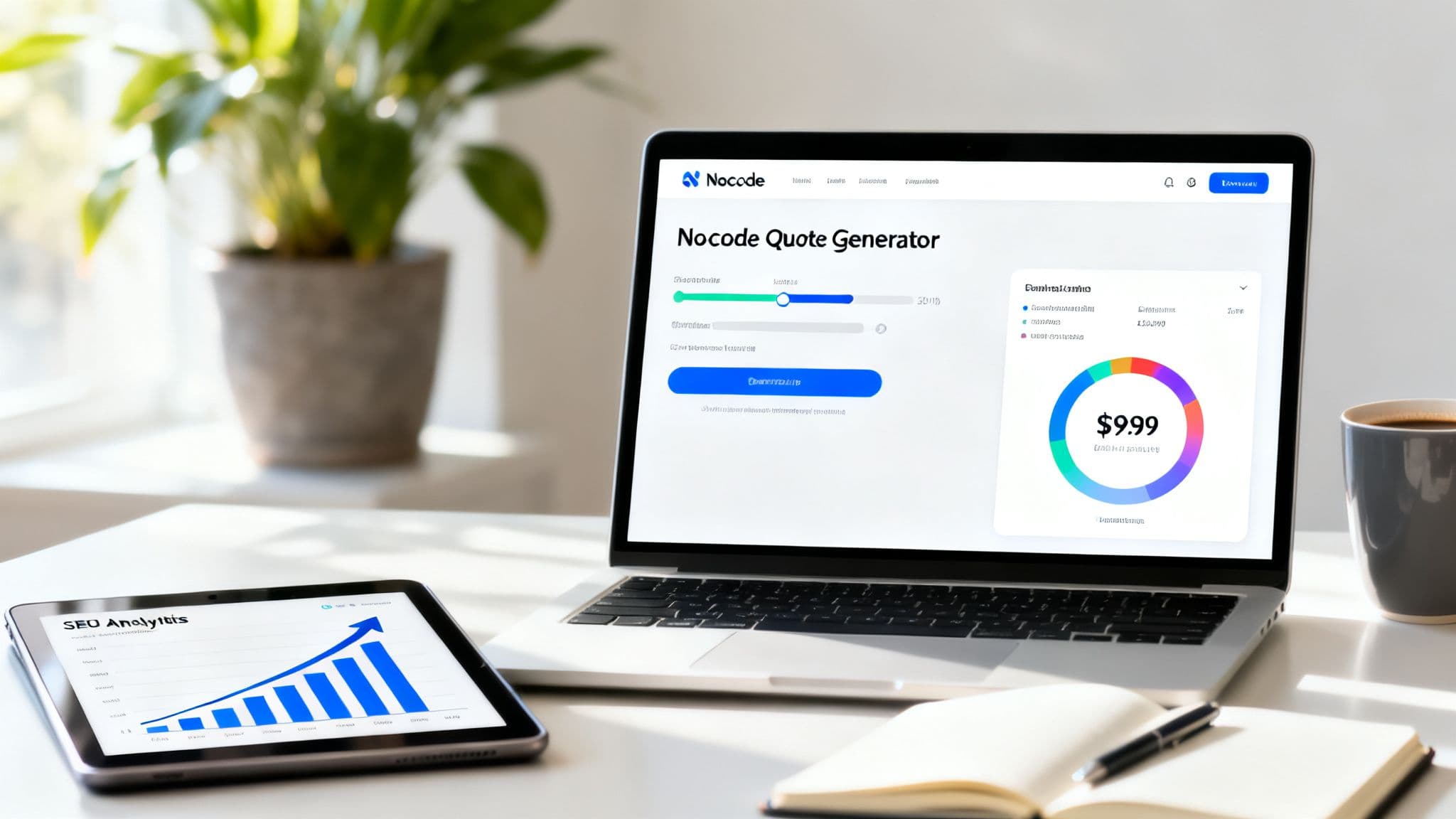
Build a Custom Quote Generator and Win at SEO
Summary: Learn how to build a custom quote generator with no-code tools. This guide covers design, embedding, and SEO strategies to capture more leads and rank higher.
Introduction
Learn how to build a custom quote generator with no-code tools and turn your website into a lead-generating asset. This guide covers planning your pricing logic, designing a frictionless user flow, building the tool without code, embedding it on your site, and using it to boost SEO and conversions.
A custom quote generator is an interactive tool that puts the power of pricing directly into your customers’ hands, right on your website. Think of it as an automated sales assistant that lets potential clients pick services, tweak options, and get a personalized estimate on the spot—no waiting, no back-and-forth emails.
Why Manual Quoting Is Hurting Your Business

Let’s be honest about that complex spreadsheet you’ve been using for years. It might feel familiar, but it’s secretly a bottleneck, slowing down your entire sales process. It creates a ton of friction for your team and, more importantly, for your potential customers.
Every time a prospect has to wait for a quote, their initial excitement fades. That delay is a golden opportunity for your competitors to swoop in. This isn’t just inefficient—it's actively damaging your sales pipeline.
The Hidden Costs of Old-School Quoting
The problem with manual quotes isn't just that they’re slow. They introduce a whole host of risks and operational headaches that are easy to overlook until they cause a real problem. A single typo or a quick miscalculation can shatter a client's trust and send a warm lead running.
Think about the real-world fallout:
- Human error: A misplaced decimal point is all it takes to undercharge and lose profit or overcharge and scare away a perfectly good customer.
- Inconsistent pricing: When different sales reps interpret pricing rules their own way, you end up with inconsistent quotes. That looks unprofessional and confuses your clients.
- Wasted hours: Your sales and RevOps teams are burning valuable time on tedious admin work—data entry, double-checking math, and chasing down information—instead of selling.
“This outdated method doesn’t just waste time; it creates a frustrating experience for modern buyers who expect instant answers. It makes your business look slow and behind the times before you’ve even had a chance to demonstrate your value.”
Automation as the Modern Solution
The clear alternative is an embedded custom quote generator. This isn’t just about ditching a spreadsheet; it’s about turning your website from a static brochure into a lead-generating machine. Imagine a potential client landing on your site, configuring exactly what they need, and getting a professional, accurate quote in seconds.
The benefits are immediate. A small marketing agency could offer a Social Media Management Cost Estimator to instantly show prospects the value of their online presence, justifying pricing right away. Or a logistics company can use a Logistics Shipping Cost Predictor to capture high-intent leads 24/7, saving their sales team from answering repetitive pricing questions and letting them focus on closing deals.
Businesses making the switch often see major efficiency gains. Organizations report large time savings and improved close rates, and interactive tools can significantly boost engagement and organic traffic by keeping users on-page longer1.
Designing a Quote Generator That Actually Converts
A custom quote generator can be a game-changer for your sales process, but just having one on your site isn't enough. The real magic is in the design—when you thoughtfully guide a curious visitor into becoming a qualified lead. Before you even open a no-code builder, you need a solid strategy.
It all boils down to your pricing logic first. This is the engine of your calculator, and getting it right is everything. If your pricing has a lot of moving parts, your goal is to make it feel simple for the user without watering down the accuracy of the estimate.
Let's imagine we're a digital marketing agency. Our services aren't off-the-shelf; prices shift based on client needs, the scope of work, and their specific goals.
Mapping Your Pricing Logic
Before you can build anything, you need a clear blueprint. Start by jotting down every single service and variable that nudges the final price up or down.
For our marketing agency example, that list might look something like this:
- SEO packages: A basic tier for a local coffee shop is worlds away from an enterprise plan with deep technical SEO and aggressive link-building. Each has a different starting price and set of deliverables.
- Content creation: Are they after blog posts, detailed case studies, or snappy video scripts? You might price this per word, per asset, or as part of a monthly retainer.
- Ad spend: The management fee is almost always a percentage of the client's ad budget. This is a must-have variable for the user to input.
To really sell the value, an agency could integrate a social-media-focused estimator like the Social Media Management Cost Estimator to show prospects how investments translate to outcomes.
“The goal is to translate your internal pricing spreadsheet into a simple, interactive journey for the customer. The less they have to think, the more likely they are to complete the quote.”
Once the logic is mapped, your next focus is on what you ask the user. This is a classic stumbling block. Too many questions upfront will send potential leads running for the hills.
Identifying Essential User Inputs
“Less is more” should be your mantra here. Every single field you add creates a little more friction, another reason for someone to just give up and leave.
Look at every question you want to ask and be ruthless: is this absolutely necessary for an initial estimate? You can always dig into the nitty-gritty details later in the sales conversation. The point of the quote generator is to get your foot in the door with a realistic ballpark number.
Here’s how we might decide what to ask for our marketing agency's quote tool.
Essential vs. Optional Fields for a Marketing Agency Quote Generator
| Field Category | Essential Input (Must-Have) | Optional Input (Nice-to-Have) | Reasoning |
|---|---|---|---|
| Service selection | Checkboxes for core services (e.g., SEO, Content) | Dropdown for specific sub-services | Core services are needed for the base calculation; specifics can be discussed later. |
| Business details | Industry (e.g., B2B SaaS, eCommerce) | Current website URL | Industry helps tailor the estimate, but analyzing the website is a post-quote task. |
| Budget & scope | Estimated monthly ad spend | Number of blog posts per month | Ad spend is crucial for calculating management fees; content volume can be flexible. |
| Contact info | Business email | Phone number | Email is the primary follow-up channel; a phone number can be a higher-friction ask. |
Striking this balance correctly is key to getting the data you need without making the user feel like they're filling out a tax return.
Designing a Frictionless User Flow
With your logic set and your inputs chosen, the final piece of the puzzle is the user flow. Think of it as a conversation. You wouldn't walk up to someone and immediately ask for their budget, right? You start with broader, easier questions and then narrow it down.
A fantastic user flow feels completely natural and gives the user instant feedback. As they click through options, the estimated price should update in real-time right before their eyes. This little bit of interactivity is huge—it keeps them engaged and shows them exactly how their choices affect the cost. It builds transparency and trust.
To take it a step further, mastering the principles of conversion rate optimisation is essential for turning that website traffic into genuine leads. This means obsessing over the details—testing button colors, tweaking your copy, and rearranging fields to find what works best.
By focusing on these design fundamentals, you'll create a quote generator that doesn't just spit out numbers—it becomes a powerful engine for business growth.
Bringing Your Generator to Life with a No-Code Platform
With your logic mapped out and user inputs defined, you're ready for the fun part: actually building the thing. Thankfully, the days of needing a dev team and weeks of coding for something like this are long gone. Using a no-code platform, you can bring your idea to life in a matter of minutes.
The process is refreshingly simple. You essentially describe your business logic in plain English, much like you'd explain it to a colleague. The platform's AI-assisted builder takes your instructions and translates them into a functional calculator, creating all the inputs, outputs, and formulas you need behind the scenes.

As you can see, the build is a direct translation of your initial plan. It just goes to show that spending a little extra time on the design phase makes the creation process incredibly smooth.
Configuring Inputs and Outputs with Ease
Once the basic framework is in place, it's time to configure the specific inputs and outputs. This is where you connect the dots between what a user tells you and the final price they see. Think of it as setting up a series of straightforward rules.
You can set up different kinds of inputs to get the information you need:
- Sliders: Perfect for ranges, like a project budget or the number of users.
- Dropdown menus: The best choice for selecting from a list of predefined services or packages.
- Checkboxes: Great for letting customers tack on multiple add-on services.
- Number fields: Essential for anything involving quantities, from square footage to ad spend.
A cleaning service, for instance, could use a slider for the size of the home and checkboxes for extras like “deep cleaning” or “window washing.” Every selection instantly adjusts the final price, which is displayed in real-time. This immediate feedback keeps people engaged and helps them see exactly what they're paying for.
Implementing Conditional Logic Without Code
This is where your generator evolves from a simple calculator into a truly smart sales tool. Conditional logic lets you create dynamic “if-then” scenarios without writing a single line of code—you just set the rules.
Imagine you're building a quote tool for a printing company. You could set up a rule that automatically adds a 15% surcharge whenever a user selects “expedited delivery.” Or, if a customer's order total climbs past $500, you could automatically apply a 10% bulk discount. This kind of automation ensures your pricing is always accurate and consistent, freeing your sales team from memorizing complex pricing structures.
“This hands-off approach doesn't just save time; it directly boosts profitability by ensuring every variable is accounted for. It wipes out the manual errors that can slowly chip away at your margins, turning your website into a reliable, automated revenue engine.”
These tools have a proven track record in B2B sales. The US market for generator-related technologies was valued at roughly USD 5.8 billion and is projected to more than double by 20332. Businesses that embed these tools often report faster deal cycles and higher engagement.
Styling and Previewing Your Generator
A tool that works is one thing, but one that looks professional builds trust. No-code platforms can inherit your website's existing styles—fonts, colors, and button designs—so the generator looks and feels like a native part of your site.
From there, you can fine-tune the appearance, adjusting layouts or adding your logo to get the branding just right. The best part is the live preview, which shows you exactly how the tool will look and behave on your website before you hit publish. It’s your chance to test every input, double-check the calculations, and make sure the user experience is perfect.
Getting Your Quote Generator Live on Your Site
You’ve done the heavy lifting—the logic is mapped out and the calculator is built. Now for the fun part: making it a living, breathing piece of your website. This is where your tool goes from a behind-the-scenes project to a real lead-generating asset.
Forget about getting tangled up in complex code or fighting with stylesheets. Most no-code platforms are built for this exact moment. Embedding your new tool is typically as simple as copying a single line of JavaScript and pasting it into the backend of your site, right where you want it to show up. Modern embed scripts load asynchronously so they don’t block the main page content3.
Making It Look Like It Belongs
A huge, and very valid, concern is about the tool looking out of place. Nobody wants a clunky, third-party widget that screams it doesn’t belong here and disrupts the user's flow. Good platforms address this by picking up site styles and adapting to your design.
The end result? Your generator looks like it was custom-coded for your site from the very beginning. A simple, minimal interface keeps the focus where it should be: on getting the user an instant, valuable answer without any distractions.
Strategic Placement for Maximum Impact
Where you put your quote generator will make or break its success. Place it where motivated visitors will find it—don’t bury it on a forgotten page. High-impact locations include:
- On your main service pages: If someone is reading about your web design packages, they should be able to get a price estimate right then and there.
- Inside relevant blog posts: Embed a relevant calculator directly into content that solves a customer's problem.
- On a dedicated landing page: Create a page just for your calculator and drive targeted traffic from ads or email campaigns.
Embedding interactive tools like this isn't just about a better user experience. They increase engagement and can attract more backlinks, because other sites prefer linking to useful tools rather than generic service pages1.
Turn Your New Tool Into an SEO Powerhouse
You just built a fantastic tool to automate quotes and speed up your sales process. That’s great, but you’ve also unintentionally created one of your hardest-working SEO assets. Interactive content, especially something as useful as a custom quote generator, is exactly what search engines are looking for.
This isn't just about making things easier for your customers. It's a powerful signal to Google that your website provides real, tangible value. When people use your calculator, they stick around—and dwell time and time on page are important ranking signals4.
Keep Visitors Glued to Your Page
Search engines pay attention to metrics like time on page and dwell time. An interactive quote tool naturally raises both because users actively engage with the content rather than passively reading.
- Hands-on engagement: Users click buttons, type numbers, and interact with options, which keeps them on your page far longer than a static article.
- Instant gratification: When you give a visitor an immediate, personalized answer, you’ve solved their problem. They’re less likely to hit the back button and more likely to explore more of your site.
By getting users actively involved, your new tool sends strong ranking signals to search engines. You're no longer just offering content; you're providing a useful experience.
Become a Natural “Link Magnet”
Building high-quality backlinks is one of the toughest parts of SEO. A genuinely useful tool, however, can attract links naturally. Content creators writing about a specific industry problem will often link to a helpful calculator to add value for their readers. A specific, industry-focused calculator becomes a resource others want to share, steadily building your site's authority.
Capture an Entirely New Set of Keywords
A quote generator unlocks a new way to rank for long-tail, purchase-intent keywords—phrases like “how much does X cost” or “X price calculator.” These queries often come from users who are closer to making a purchase. Build a dedicated page for your tool and optimize it for these terms to capture high-intent traffic.
To build out a full strategy, include the tool on pages optimized for those long-tail keywords and pair the embedded calculator with supporting content that answers related questions.
Got Questions? Let’s Talk Details
When you're thinking about building a custom quote generator, a few questions always seem to pop up. Here are common questions and concise answers to help you plan.
How long does this actually take to build?
With a no-code platform, you can often go from plan to a working, embeddable tool in under an hour. The AI-assisted builders handle much of the heavy lifting—the part that usually takes the longest is deciding your internal pricing structure.
Will this slow down my website?
Modern embed scripts are lightweight and can load asynchronously so they don’t block your page rendering3. Properly implemented, a calculator should not harm your Core Web Vitals.
Can I hook this up to my CRM or email marketing tool?
Yes. Most no-code platforms support integrations or can connect via automation tools like Zapier. This lets you send new submissions to your CRM, add leads to email sequences, or notify your sales team in real time5.
Q&A — Common Questions & Answers
Q: Why replace manual quotes with a generator?
A: Manual quoting is slow, error-prone, and inconsistent. A generator speeds responses, reduces mistakes, and standardizes pricing.
Q: What should I ask users first?
A: Start with broad, low-friction questions—service selection and basic budget—then drill down only when necessary.
Q: How does a calculator help SEO?
A: Interactive tools increase time on page and dwell time, attract natural backlinks, and let you target long-tail purchase-intent keywords for organic growth14.
1.
SnapApp, “The State of Interactive Content,” https://www.snapapp.com/resource-state-interactive-content/.
2.
Custom Market Insights, “US Generator Market Report,” https://www.custommarketinsights.com/report/us-generator-market/.
3.
Web.Dev, “Third-Party JavaScript,” https://web.dev/third-party-javascript/.
4.
Moz, “Dwell Time,” https://moz.com/learn/seo/dwell-time.
5.
Zapier, “Apps” (integration options), https://zapier.com/apps.
Ready to Build Your Own Tools for Free?
Join hundreds of businesses already using custom estimation tools to increase profits and win more clients
✨ No coding required • 🚀 Ready in minutes • 💸 Free to create