Struggling to appear on Google? Verify your site in Google Search Console, submit an XML sitemap, and use the URL Inspection Tool for priority pages to speed indexing.
February 1, 2026 (8mo ago) — last updated October 16, 2026 (6d ago)
Get Your Website Indexed by Google Fast
Verify your site in Google Search Console, submit an XML sitemap, fix technical blockers, and request indexing for priority pages.
← Back to blog
Get Your Website Indexed by Google Fast
Summary: Verify your site in Google Search Console, submit an XML sitemap, fix technical blockers, and use the URL Inspection Tool to speed Google indexing.
Introduction
Struggling to appear on Google? The fastest wins are usually verifying your site in Google Search Console, submitting an XML sitemap, and using the URL Inspection Tool for priority pages. This guide walks through those steps, common technical blockers that prevent indexing, and practical tactics to get Google to crawl your content sooner.
So, you want Google to index your site quickly?
The shortest path: verify your site in Google Search Console, submit your XML sitemap, and request indexing for your most important pages. These actions help Google discover and prioritize your content.1
Why isn’t my site showing up on Google, and how do I fix it?
Start with a quick check: search Google for site:yourdomain.com. If pages appear, the issue is ranking rather than indexing. If you see “did not match any documents,” Google hasn’t indexed your site yet. This can be because the domain is new, crawlers can’t access the site, or a technical setting is blocking indexing.
Verify ownership in Google Search Console
Google Search Console is mission control for search visibility. Verifying your site unlocks tools to submit sitemaps, request indexing, and get alerts about crawl errors and other issues.1
Core principles to fix indexing problems
Google discovers and indexes content based on four core areas: technical SEO, on-page SEO, off-page signals, and content quality. Addressing these prevents most indexing problems.
The four pillars of indexing
- Technical SEO: Crawlability, speed, mobile-friendliness — if Googlebot can’t access your pages, they won’t be indexed.
- On-page SEO: Clear headings, structured content, and relevant keywords help Google understand each page.
- Off-page signals: Backlinks help Google prioritize which sites and pages to crawl more often.
- Content: Valuable, original content attracts users and links, which signals importance to Google.
A quick site audit and server log review will reveal how Googlebot behaves on your site.
Getting friendly with your Google Search Console toolkit
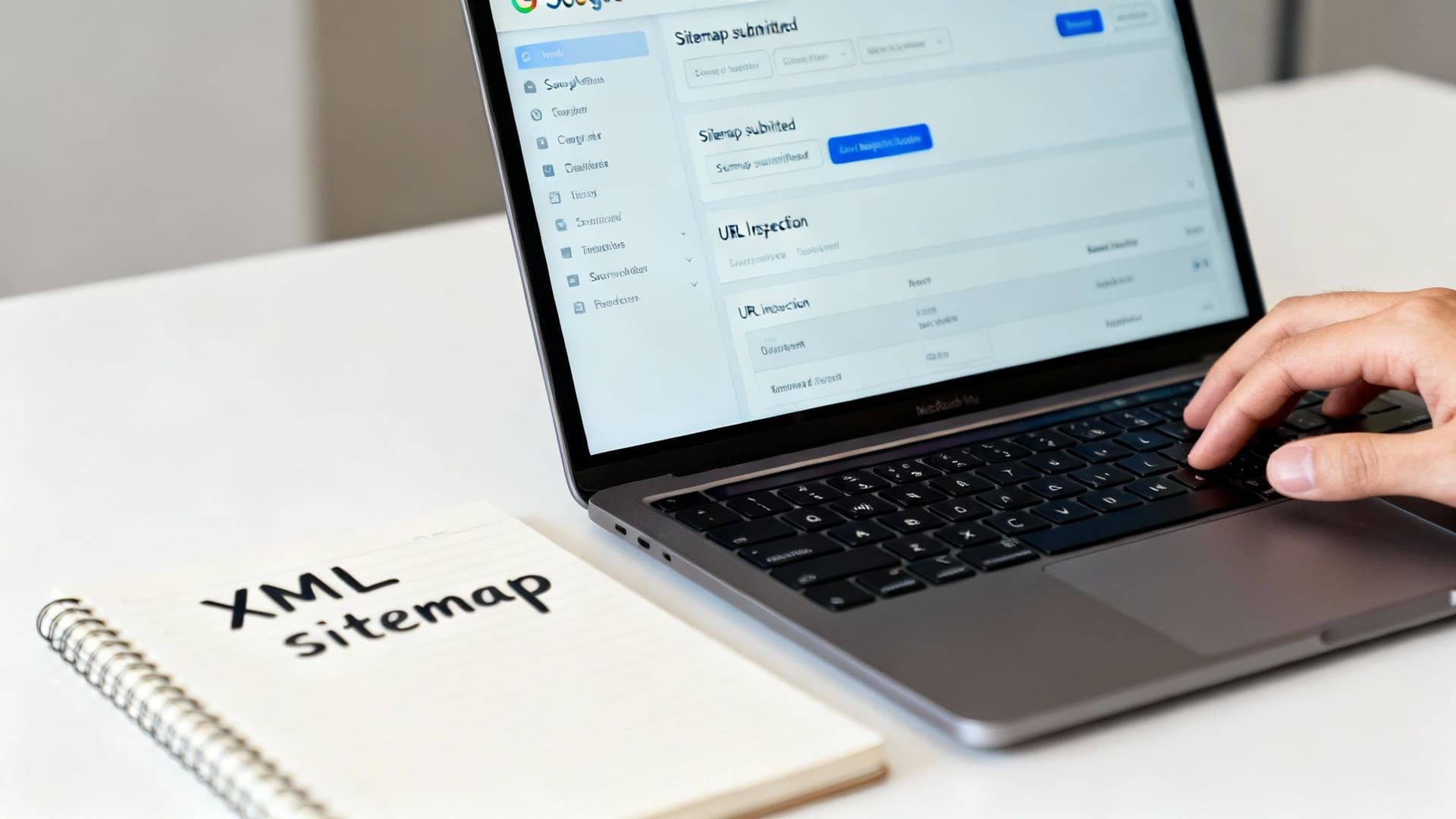
Two GSC features you’ll use often are Sitemaps and the URL Inspection Tool. Use them after publishing new content or updating key pages.
Submitting an XML sitemap
An XML sitemap lists important pages and shows how content is organized. Submitting it tells Google where to look first.2
How to submit a sitemap in GSC:
- Open Indexing → Sitemaps.
- Paste your sitemap URL (commonly
sitemap.xmlorsitemap_index.xml). - Click Submit and review any reported errors.
Fix errors such as URLs blocked by robots.txt, then resubmit.
Expert tip: Analyze server logs to see exactly when Googlebot crawls your site and which pages it requests.
Use the URL Inspection Tool for priority pages
URL Inspection shows whether a URL is indexed, crawlable, and whether there are mobile or structured-data issues. Use “Request Indexing” to add priority pages to Google’s crawl queue. It speeds discovery but does not guarantee indexing.
When to use these tools
- New product pages: Add to sitemap and request indexing.
- High-value guides: Inspect and request indexing after publishing.
- Major page updates: Request indexing to signal the change.
Common technical blockers and how to clear them
A single line of code can keep Google away even if the page looks fine to visitors. Regularly check these items.
robots.txt that blocks everything
A robots.txt rule like:
User-agent: *
Disallow: /
blocks the entire site. Check https://yourdomain.com/robots.txt and remove any overbroad Disallow rules.
On-page noindex tags
A meta robots tag such as <meta name="robots" content="noindex"> prevents indexing. It’s useful for thank-you pages but can be accidentally left on important pages. Inspect the page source for “noindex.”
Incorrect canonical tags
Canonical tags resolve duplicate content, but misconfigured canonicals can point Google to the wrong page. Ensure canonical URLs reference the preferred version.
Key insight: Your site can look perfect to visitors yet be invisible to Google because of tiny technical settings. Audit robots.txt, meta robots tags, and canonicals regularly.
Also remember Google assigns crawl budget based on site authority and traffic, so lower-authority sites may be crawled less often.
Boosting indexing speed with quality and engagement signals
After technical basics, indexing speed depends on signals like content quality, engagement metrics, and backlinks.
Interactive content and useful tools increase time on page and reduce bounce, which helps Google see your pages as valuable. Examples include the Business Valuation Estimator and the Mortgage Calculator. These pages often earn backlinks and attention that accelerate indexing.
Why engagement matters
- Higher dwell time signals value to Google.
- Lower bounce rates indicate user satisfaction.
- Unique, useful tools attract backlinks.
Improve page layout, calls to action, and clarity to raise engagement and indexing priority.
Designing a site structure that’s easy to crawl
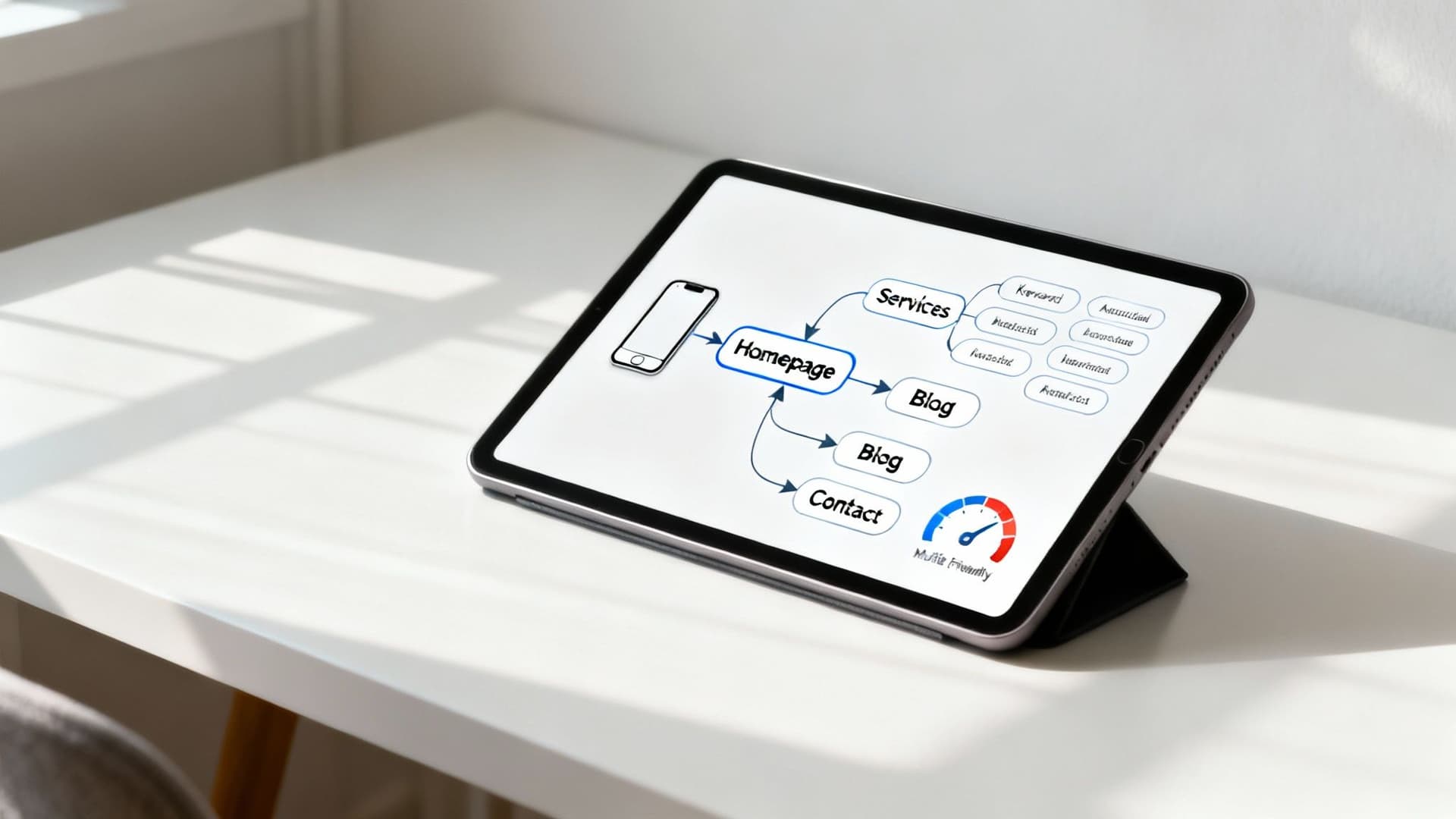
A logical site architecture improves crawl efficiency and helps Google understand which pages matter most.
Internal linking and topic clusters
Internal links guide users and crawlers. Link new pages from existing authoritative pages and use topic clusters — a pillar page with supporting cluster pages — to build topical authority.
Clean URLs and mobile-first design
Use descriptive, human-readable URLs, for example:
- Bad:
yourdomain.com/index.php?category=123&product_id=5678 - Good:
yourdomain.com/widgets/blue-widget-pro
Google uses mobile-first indexing, so ensure the mobile site contains the same key content and structured data as desktop.3 Page speed matters: slower pages have higher bounce rates and lower crawl priority.4
Best practices for crawlable structure
- Build a clear hierarchy from broad topics to specific pages.
- Use descriptive anchor text for internal links.
- Optimize page speed on mobile.
- Ensure every important page has at least one internal link.
Troubleshooting: common indexing questions
Why are some pages indexed but others not?
Common reasons:
- Crawl priority: Google prioritizes pages with strong internal links, backlinks, and engagement.
- Content quality: Thin or duplicate content may be crawled but not indexed.
- Orphaned pages: Pages without internal links are hard to find.
How long before a new page is indexed?
It varies. New sites can take days to weeks; established sites with authority can see indexing in hours to days. If a page remains unindexed after a month, audit technical issues and content quality.
What if Requesting Indexing does nothing?
Request Indexing queues the URL for a priority crawl but doesn’t guarantee indexing. Improve the page’s content, internal links, and technical health before trying again.
Quick decision tree for an unindexed page
- Check robots.txt and meta robots “noindex” tags.
- Verify the page is included in your XML sitemap.
- Add internal links from authoritative pages.
- Use URL Inspection to see crawl errors and request indexing.
- Improve content quality and engagement signals if needed.
Three concise Q&A summaries
Q: What’s the first thing to do if my site isn’t indexed?
A: Verify your site in Google Search Console, submit an XML sitemap, and use URL Inspection for priority pages.1
Q: How do I know if a technical issue is blocking indexing?
A: Check robots.txt, inspect the page source for “noindex”, and confirm canonical tags. Use GSC to surface crawl or indexing errors.2
Q: How can I speed up indexing across my site?
A: Publish high-quality pages, improve internal linking, earn backlinks, and add interactive resources to increase engagement and crawl priority.
1.
Google Search Central, “Get started with Search Console,” https://developers.google.com/search/docs/get-started
2.
Google Search Central, “Sitemaps,” https://developers.google.com/search/docs/advanced/sitemaps/overview
3.
Google Search Central, “Mobile-first indexing best practices,” https://developers.google.com/search/mobile-sites/mobile-first-indexing
4.
Think with Google, “Find out how micro-moments are reshaping mobile,” https://www.thinkwithgoogle.com/consumer-insights/consumer-trends/mobile-page-speed-new-industry-benchmarks/
هل أنت مستعد لبناء أدواتك الخاصة مجانًا؟
انضم إلى مئات الشركات التي تستخدم بالفعل أدوات التقدير المخصصة لزيادة الأرباح وكسب المزيد من العملاء
✨ لا حاجة للبرمجة • 🚀 جاهز في دقائق • 💸 مجاني للإنشاء